What is Enrich View?
In Boost.spaceA platform that centralizes and synchronizes company data from internal and external sources, offering a suite of modules and addons for project management, CRM, data visualization, and more. Has many features to optimize your workflow!, you have several different views for your scenarios—Connect, Share etc. Enrich View is an additional perspective specifically designed for scenariosA specific connection between applications in which data can be transferred. Two types of scenarios: active/inactive. that enhance data within Boost.space. These scenarios work with data in Boost.space by retrieving it, processing or enriching it using an external tool (such as AI), and then storing the enriched data back in Boost.space.
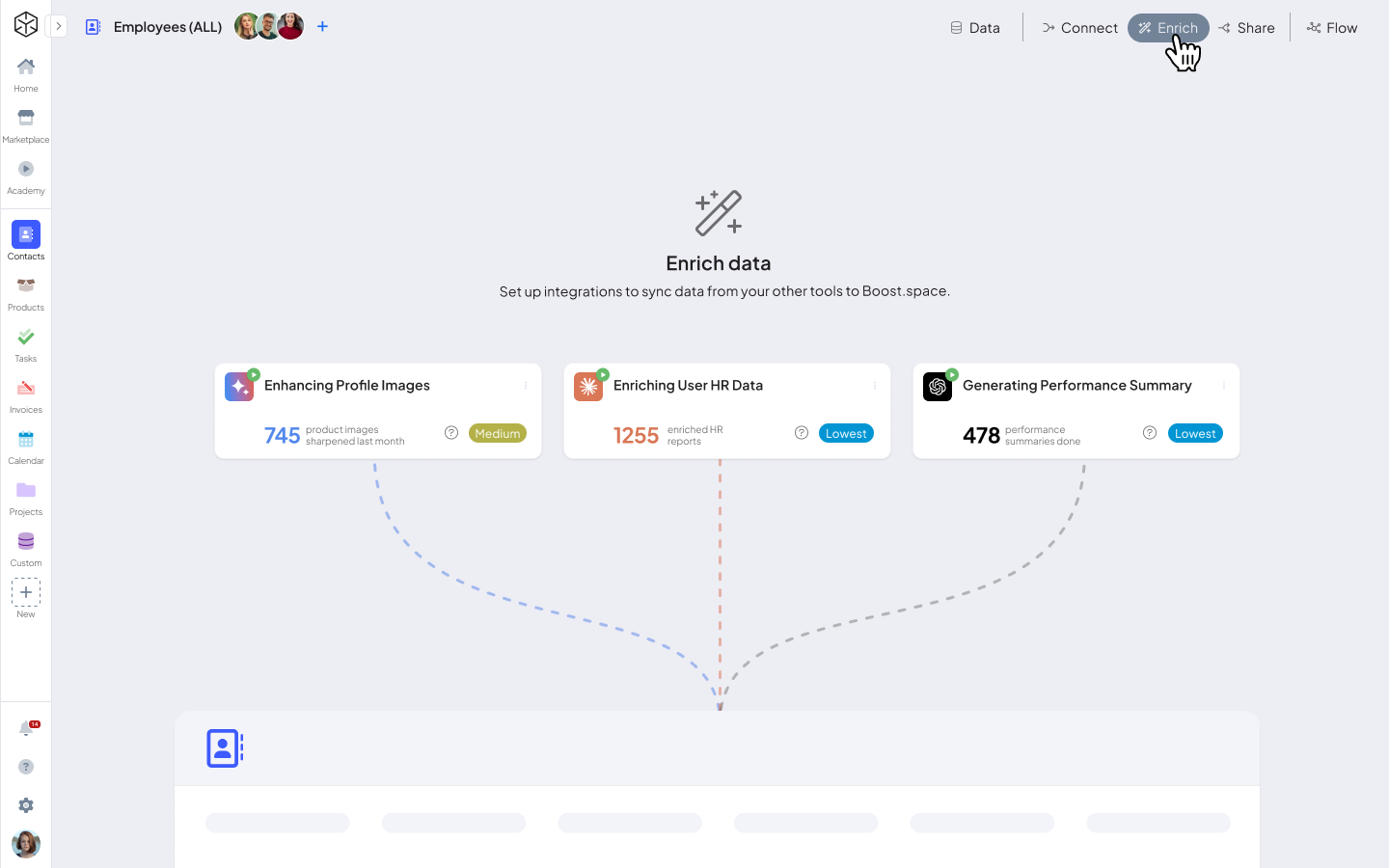
How Does Enrich View Work?
- Navigate to the Modulea module is an application or tool designed to handle specific business functions, such as CRM, project management, or inventory. The system's modular architecture allows you to activate only the modules you need, enabling customization and scalability as your business requirements evolve. – Open the relevant module in your system.
- Select Enrich View – Choose the Enrich View option from the available views (Connect, Share, Enrich View etc.).
- Start New Data Enrichment – Click on the “New Data Enrichment” button.
- Choose an Application – Select the external tool you want to use for data enrichment.
- Configure the ScenarioA specific connection between applications in which data can be transferred. Two types of scenarios: active/inactive. – Set up how the data enrichment will be performed.
- Process the Data – The system retrieves, enriches, and stores the data based on your configuration.
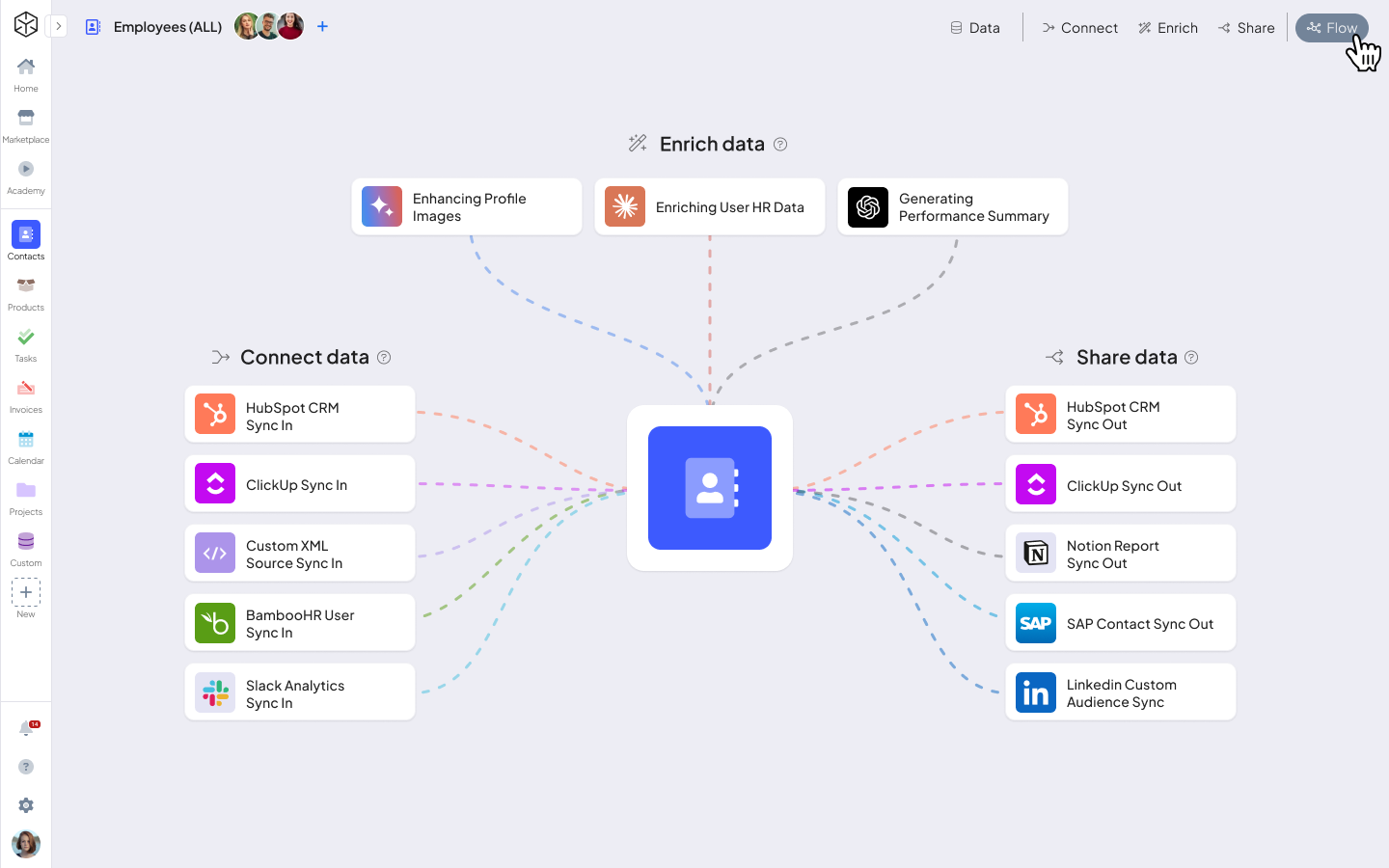
Enrich View provides a powerful way to enhance and refine your data within Boost.space. By seamlessly integrating external tools into your automation processes, you can ensure that your data is always up-to-date, enriched, and optimized for better decision-making. Whether you’re using AI for advanced processing or other tools for enrichment, Enrich View simplifies the workflow and gives you complete control over data transformations. By using this view, you can better understand how your data changes throughout the scenario and make adjustments as needed.