In a Bubble Data Type, a data thing is a new entry with one or more fields. You can think of it as a row in a Google Sheet. You can either create a data thing or a bulk of data things on Bubble using the respective Bubble modulesa module is an application or tool designed to handle specific business functions, such as CRM, project management, or inventory. The system's modular architecture allows you to activate only the modules you need, enabling customization and scalability as your business requirements evolve. on Boost.spaceA platform that centralizes and synchronizes company data from internal and external sources, offering a suite of modules and addons for project management, CRM, data visualization, and more. Has many features to optimize your workflow! IntegratorPart of the Boost.space system, where you can create your connections and automate your processes..
The same principles apply when creating a data thing from any third-party service.
Watch the video tutorial or continue reading below.
- Create the Data Types on Bubble and an entry in each.Create the Data Types in which you’d like to create Data Things dynamically. We have created 2 new Data Types:
Location_PreferenceandProfessionas shown below.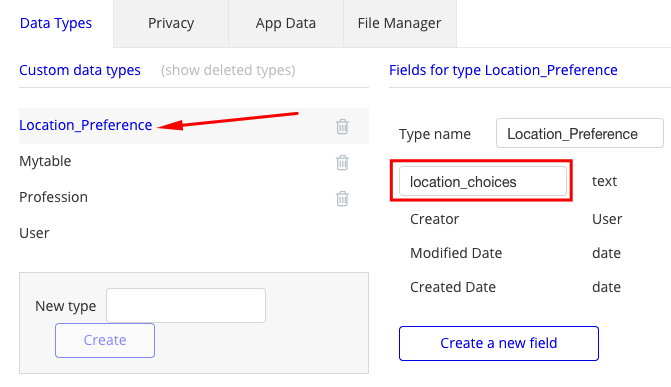
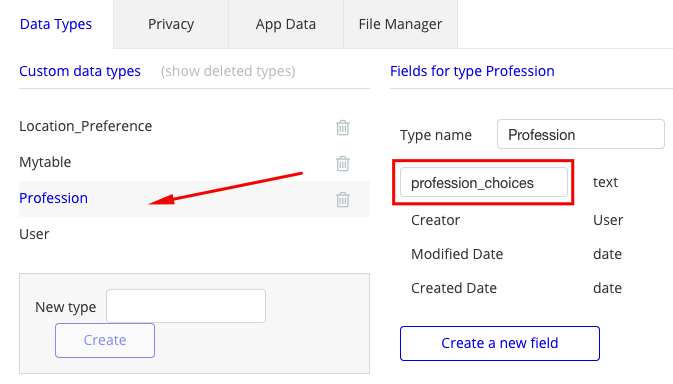
Under App Data, create a new entry in each of the Data Types shown for Location_Preference.
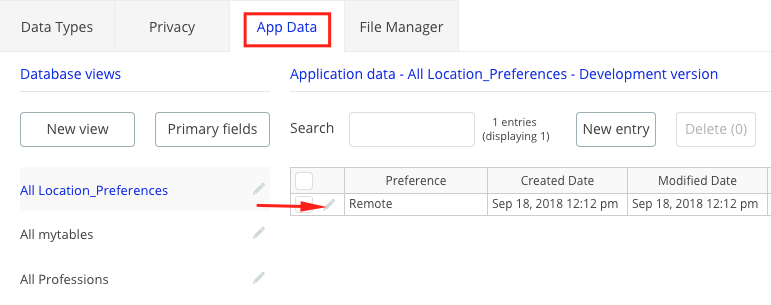
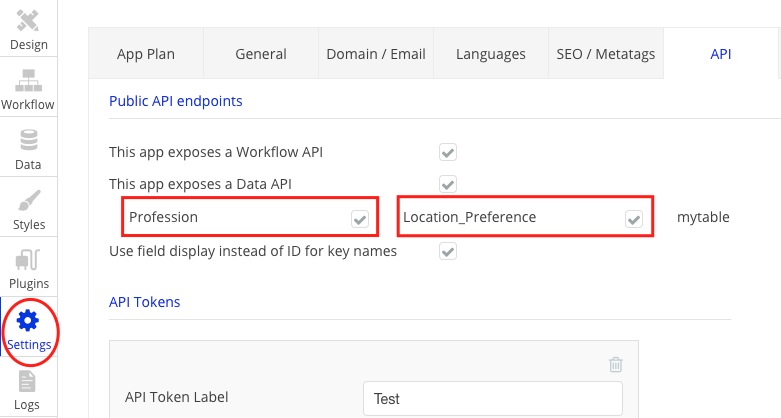
- Expose the Data Types in the API settings:
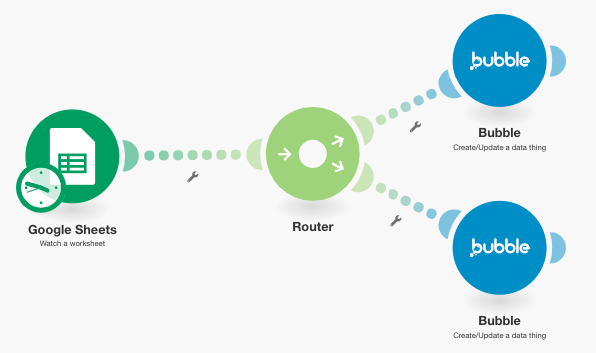
- Create the scenarioA specific connection between applications in which data can be transferred. Two types of scenarios: active/inactive. in Boost.space Integrator:The scenario in Boost.space Integrator looks like below and is available as a template for you to replicate.
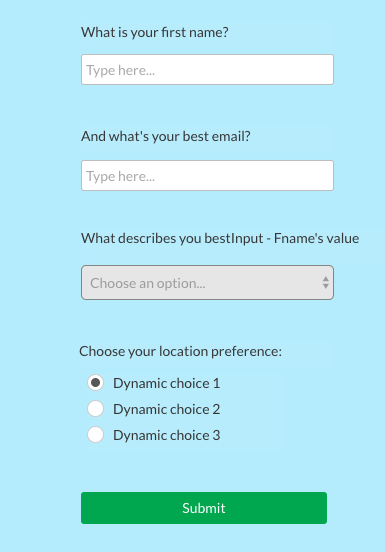
- Create a form on Bubble to populate dynamic data things when the above scenario runs.While you can see the data things being added dynamically under Data Types, this is a sample use case of this tutorial on Bubble. See the form below.
Populate the dropdown with dynamic data things from Professions’
profession_choices.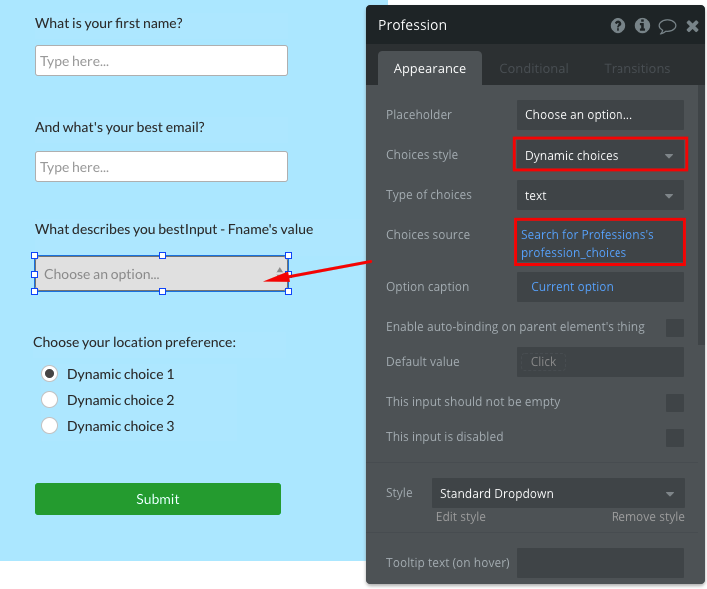
Similarly, the radio buttons are populated with dynamic data things from Location_Preferences’
location_choices.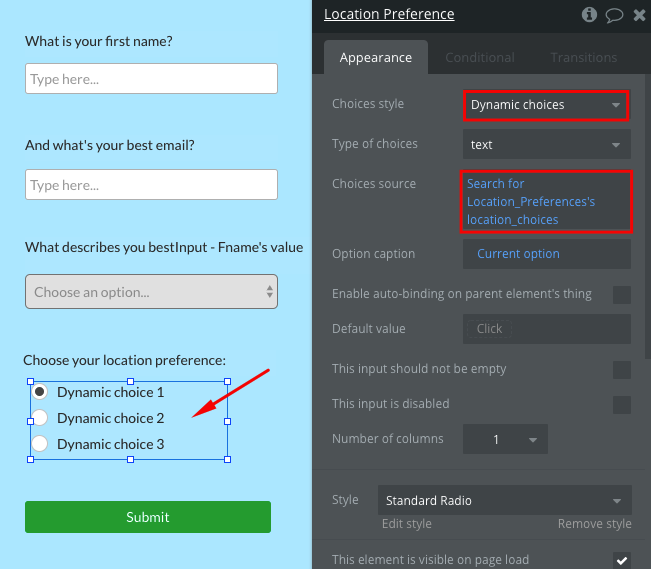
When you add new profession_choices and location_choices to your Google Sheet and run the scenario, the dropdown and the radio buttons are populated with those choices.
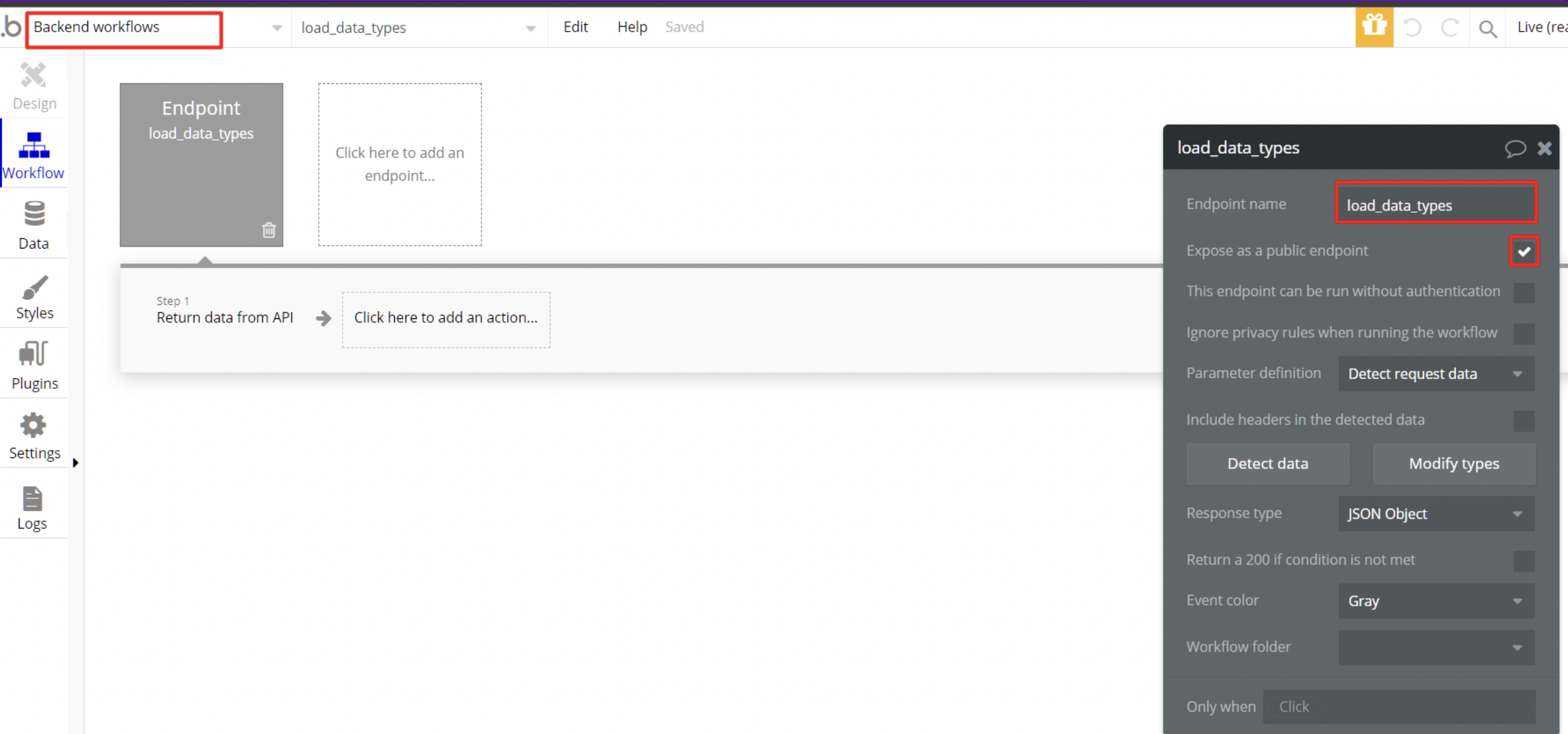
- Create an API workflow called load_data_types under Backend Workflows.The workflow load_data_types serves to expose data types to Boost.space Integrator as patterns to create new data things. This endpoint must also be exposed as a public endpoint.
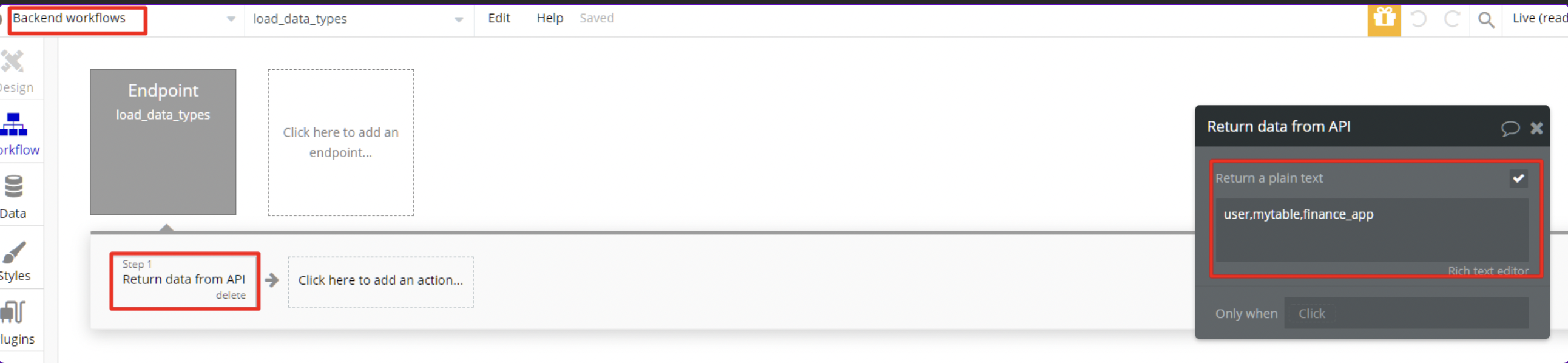
- Add the list of Data Types to the workflow.The workflow load_data_types returns a text list of data types visible to Boost.space Integrator and the itemsItems are rows in records (order/request/invoice/purchase...) in the list are delimited with a comma as shown below:
You are able to use the Create the bulk of data things modulea module is an application or tool designed to handle specific business functions, such as CRM, project management, or inventory. The system's modular architecture allows you to activate only the modules you need, enabling customization and scalability as your business requirements evolve. in your scenariosA specific connection between applications in which data can be transferred. Two types of scenarios: active/inactive..