Table of Contents
If you are experiencing serious issues with Google connections, you may try to follow this guide to completely reset all your Google connections in Boost.spaceA platform that centralizes and synchronizes company data from internal and external sources, offering a suite of modules and addons for project management, CRM, data visualization, and more. Has many features to optimize your workflow! IntegratorPart of the Boost.space system, where you can create your connections and automate your processes..
![[Warning]](https://docs.boost.space/wp-content/themes/bsdocs/docs-parser/HTML/css/image/warning.png) |
Warning |
|---|---|
| All your scenariosA specific connection between applications in which data can be transferred. Two types of scenarios: active/inactive. using Google connections will be rendered non-functional until you recreate the missing connections in the last step of this guide. |
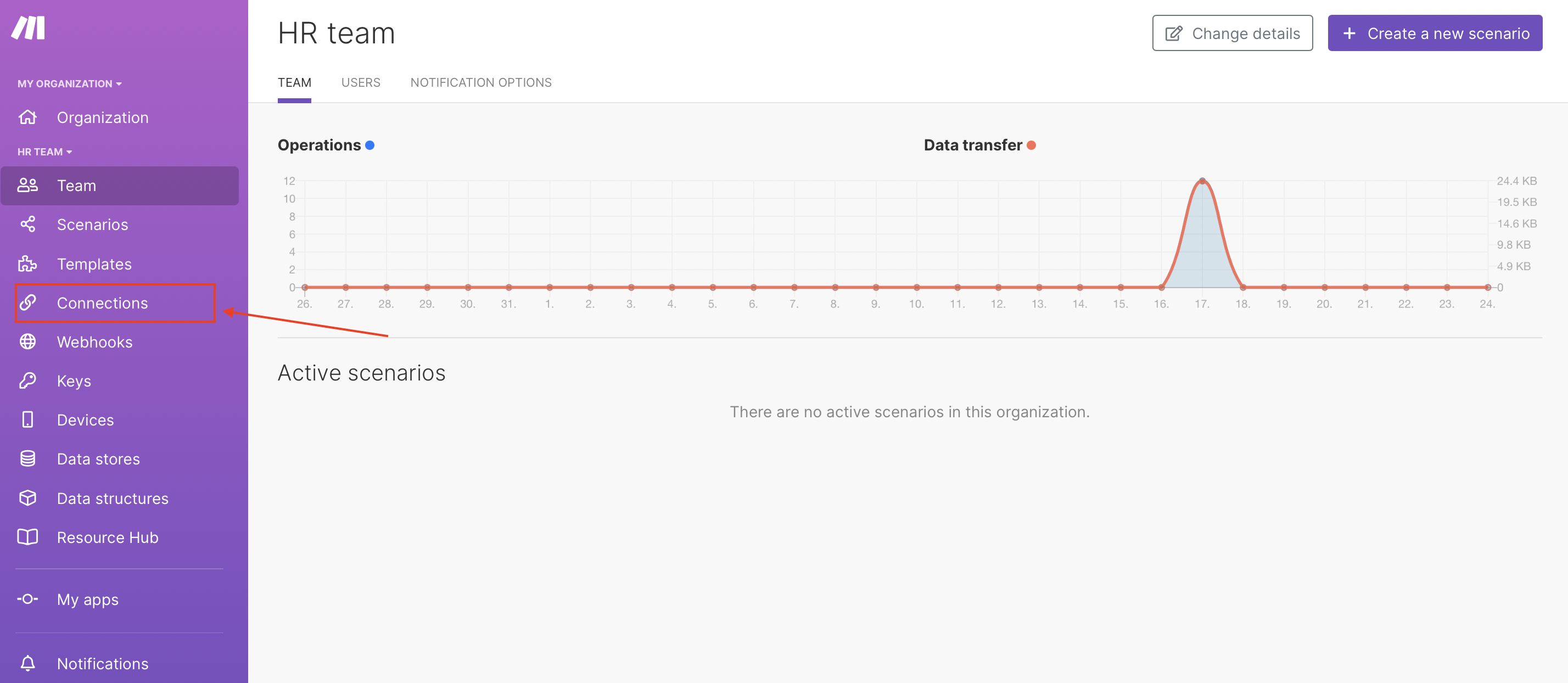
- In Boost.space Integrator, open your connections by clicking Connections in the left sidebar menu.
- Remove all the Google connections by clicking the Delete button:
- Sign out from all Google accounts: https://accounts.google.com/Logout
- Log in with the Google account you would like to use with Boost.space Integrator: https://accounts.google.com/ServiceLogin
- Open apps with access to your Google account: https://myaccount.google.com/permissions
- Locate the Boost.space Integrator app in the list:
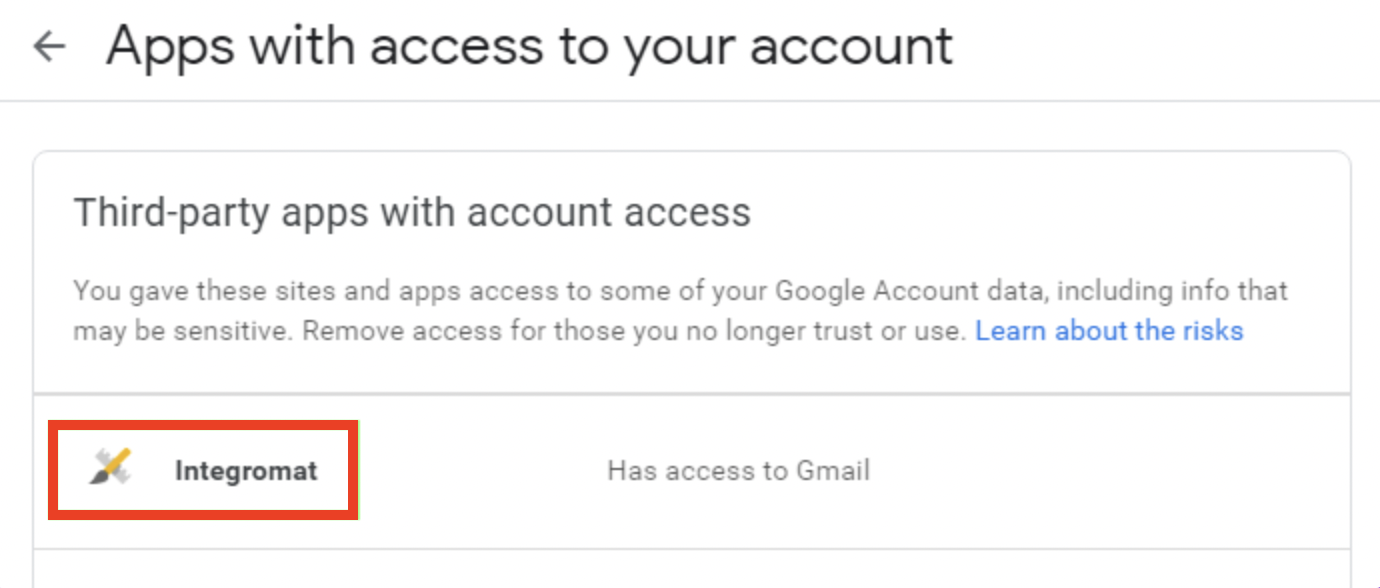
- Click the Boost.space Integrator app.
- Click REMOVE ACCESS:
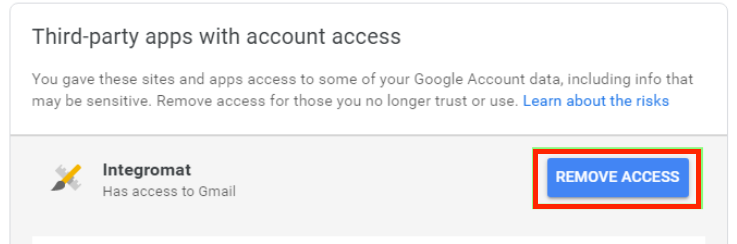
- Confirm the removal by clicking OK in the pop-up dialog.
- To recreate your Google connections In Boost.space Integrator, open each scenarioA specific connection between applications in which data can be transferred. Two types of scenarios: active/inactive. and each Google modulea module is an application or tool designed to handle specific business functions, such as CRM, project management, or inventory. The system's modular architecture allows you to activate only the modules you need, enabling customization and scalability as your business requirements evolve. in it. If the module’s connectionUnique, active service acces point to a network. There are different types of connections (API key, Oauth…). is missing and no connection exists then create it, otherwise just choose the existing connection.