Automations
Your agents take over the work that repeats. You say what should happen and when, in Chat. The agent picks the kind of automation that fits, builds it, tests it and asks you before it goes live. You never write code, and nothing needs hosting.
What can I automate?
- A report on a schedule. "Every Monday at 9:00, send me last week's new leads."
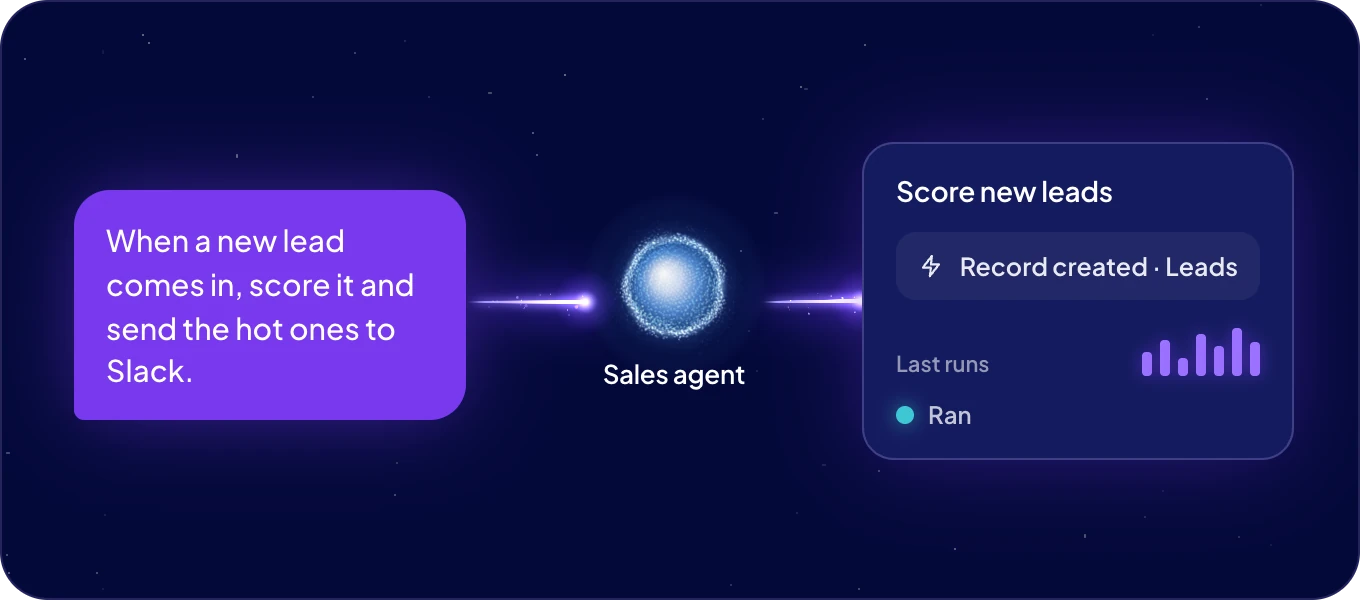
- A reaction to your data. "When a lead is created, score it and post the hot ones to Slack."
- Data that stays in shape. "Every night, fill in missing product categories."
- A reaction to another app. "When our e-shop sends an order, add the customer to Contacts."
- Research that repeats. "Every Friday, check our top ten competitors' prices and summarize what changed."
For more, see Agent ideas.
What are the two kinds?
Agent automations are jobs an agent does itself on a schedule, thinking each time. ACT automations are code an agent writes once, which then runs the same way every time, at scale. You do not have to choose: the agent decides from what you describe, and tells you which kind it built.
| Agent automation | ACT automation | |
|---|---|---|
| Fits | Work that needs judgement every time, such as a summary, a reply or research. | Work that runs the same way every time, such as moving data, scoring a lead or a fixed report. |
| Starts | On a schedule. | On a schedule, when a record is created, updated or deleted, or when another app calls a webhook. |
| Runs | As its agent, on the agent's instance, with the agent's skills, apps and AI model. | As code your agent wrote and tested, each run in its own isolated environment. |
| Costs | AI from your AI wallet, as when you chat with the agent. | ACT Operations from your plan: one per second of run time. |
| Read more | Agent automations | ACT automations |
Where do I find my automations?
Click Automations in the left rail. Its tabs:
| Tab | What it holds | Who sees it |
|---|---|---|
| Agent automations | The jobs your agents run on their own schedule, with Today above them. | Everyone |
| ACT automations | The automations your agents built as code. | Admins |
| Webhooks | The addresses other apps call to start ACT automations. | Admins |
Click an automation to see its runs, change it with an agent, or pause it. New automation opens the chat with the start of a request for you to finish.
Who can do what?
| Task | Who |
|---|---|
| Ask an agent for an agent automation | Everyone who chats with the agent |
| Have an agent build an ACT automation | Anyone, when the agent's Automations access is Allowed |
| Allow an agent to build ACT automations | Admins, in Connections and security |
| See ACT automations, their runs and their code | Admins |
| Create and manage webhooks | Admins |
| Build ACT automations from your own AI tool | Admins, through Connect AI (MCP) |
Where do I read more?
Agent automations, one page: Agent automations.
ACT automations, their own group:
| Page | What it covers |
|---|---|
| Overview | What an ACT automation is, what it costs, and how to pause one. |
| Build with an agent | How to describe one, what the agent does before it goes live, and how to change it. |
| Triggers and webhooks | Schedules, changes in your data, and calls from other apps. |
| Secrets | API keys and passwords, kept out of the chat and out of the code. |
| Runs | Every run, what it returned, and what to do when one fails. |
Next: Agent automations, or ACT automations.

