Your AI team
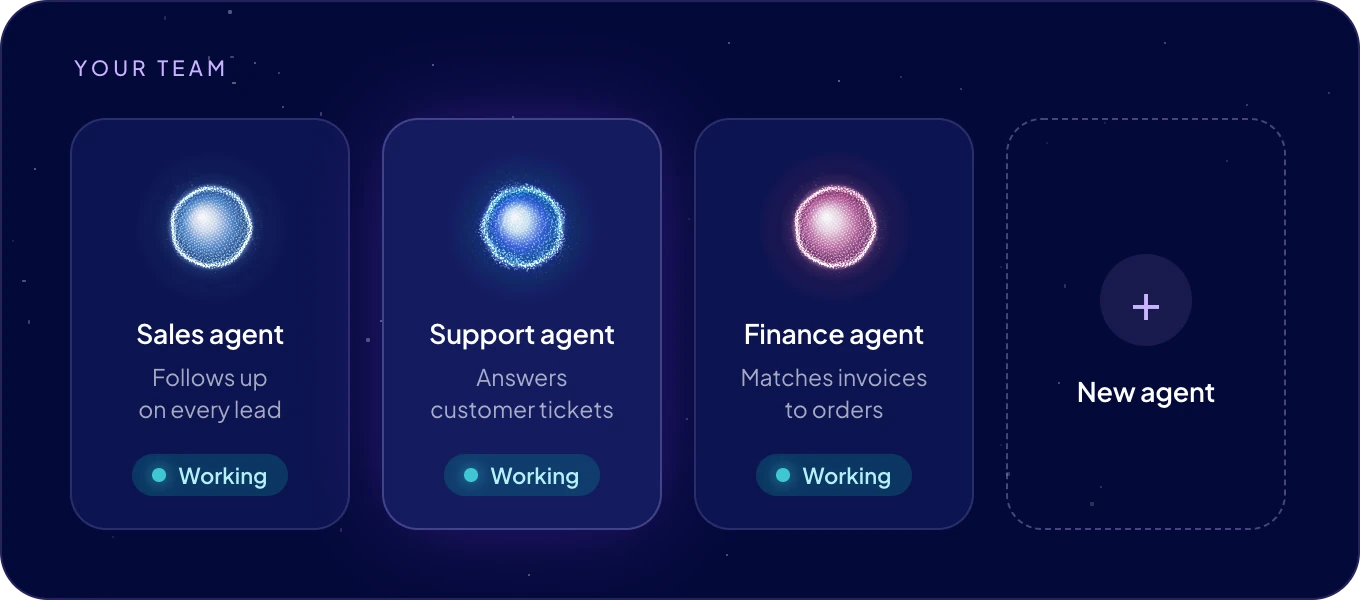
Your agents live on Home. Each one is a specialized AI agent for one business role, and they all work on the same company data. On Home you see who is on the team and what state each agent is in, and you hand out work.
What is on Home?
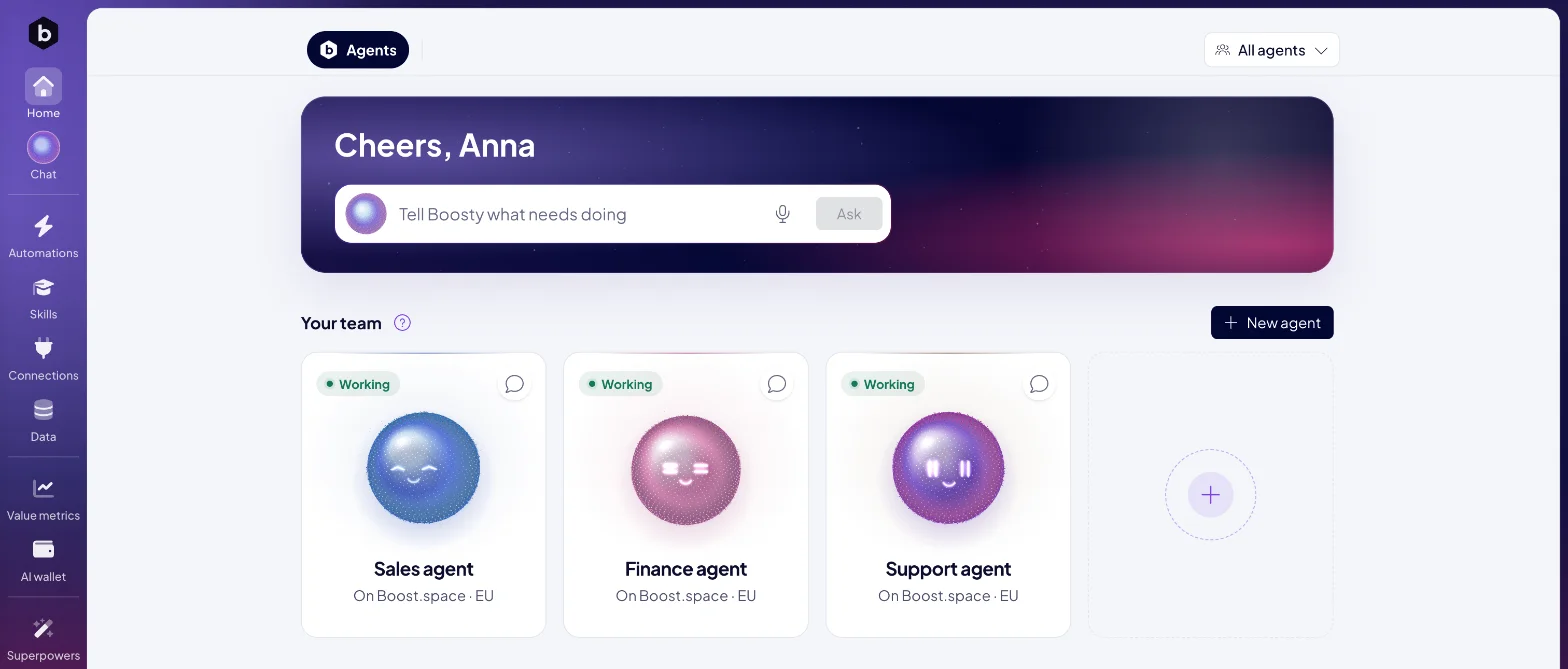
- Tell Boosty what needs doing. Type a request and click Ask. Boosty passes it to the agent that fits. The microphone, Talk to Boosty, starts a voice conversation instead. See Talk to Boosty.
- Your team. One card per agent. Click a card to open the agent's page.
- New agent. Adds an agent to your team. The dashed + card at the end of the team does the same. See Add an agent.
- Agents and the page tabs. When an agent publishes a page for you, such as a report or a dashboard, it appears as a tab next to Agents at the top of Home.
- All agents. The picker at the top narrows Home and the other AgentOS screens to the agents you choose. The cards of the other agents fade.
What does an agent's card show?
- Its face and name.
- Its status, at the top left. See the table below.
- What it does, or the instance it runs on, for example "On Boost.space · EU".
- A speech bubble, Ask <name> to do something, that opens the agent's own chat.
What does a status mean?
| Status | What it means | What you do |
|---|---|---|
| Working | The agent is running and takes work. | Give it a task. |
| Setting up | The agent is being created on its instance. | Wait a moment. |
| Waiting for the server | The agent exists, and its instance has not started serving it yet. | Wait a moment. |
| Setup failed | Creating the agent on its instance did not finish. | Check the instance in Settings > AgentOS > Instances. |
| Needs a look | The agent has no running instance, for example after its instance was removed. | Check the instance in Settings > AgentOS > Instances. |
Boosty hands tasks only to agents that are Working.
How do I give an agent a job?
- Through Boosty. Write the request on Home or in Chat. Boosty picks the agent. "Check yesterday's orders for missing invoices and list them for me."
- Directly. Click the speech bubble on the agent's card, or Message on its page. The agent's own chat opens. See Chat with an agent.
- From your data. Select records in a table, click Bulk actions and choose Ask an agent (<count>). Chat with Boosty opens with the records in the message box. See Work with records.
- On a schedule. Ask for work that repeats, for example "Every Monday at 9:00, send me last week's new leads." See Agent automations.
Can an agent make me a report or a dashboard?
Yes. Ask for it, such as "Make me a dashboard of this month's orders by country." The agent publishes a page and keeps it current. The page appears as a tab next to Agents at the top of Home, and on the agent's page under Pages. Admins see the pages. To change a page, tell the agent what to change.
Where does an agent run?
Every agent runs on an instance: a server that runs agents.
- Boost.space cloud. Boost.space runs the instance in the EU and keeps it up to date. Most teams start here.
- Your own server. A Linux server with Docker that you run, connected with two commands.
One instance holds up to 50 agents. Your plan sets how many agents and instances you can have. You choose the instance when you add an agent, and you manage instances in Settings.
Who manages the team?
Admins add and remove agents, set what each one may use and connect them to messaging apps. Everyone you invite to AgentOS joins as an admin. See Users and teams.
Next: Add an agent, or open Your agent's page.

