Talk instead of typing
Sometimes saying it is faster than typing it. AgentOS gives you three ways to use your voice: a conversation, dictation, and replies read aloud.
How do I start a voice conversation?
- Open the chat you want to talk in:
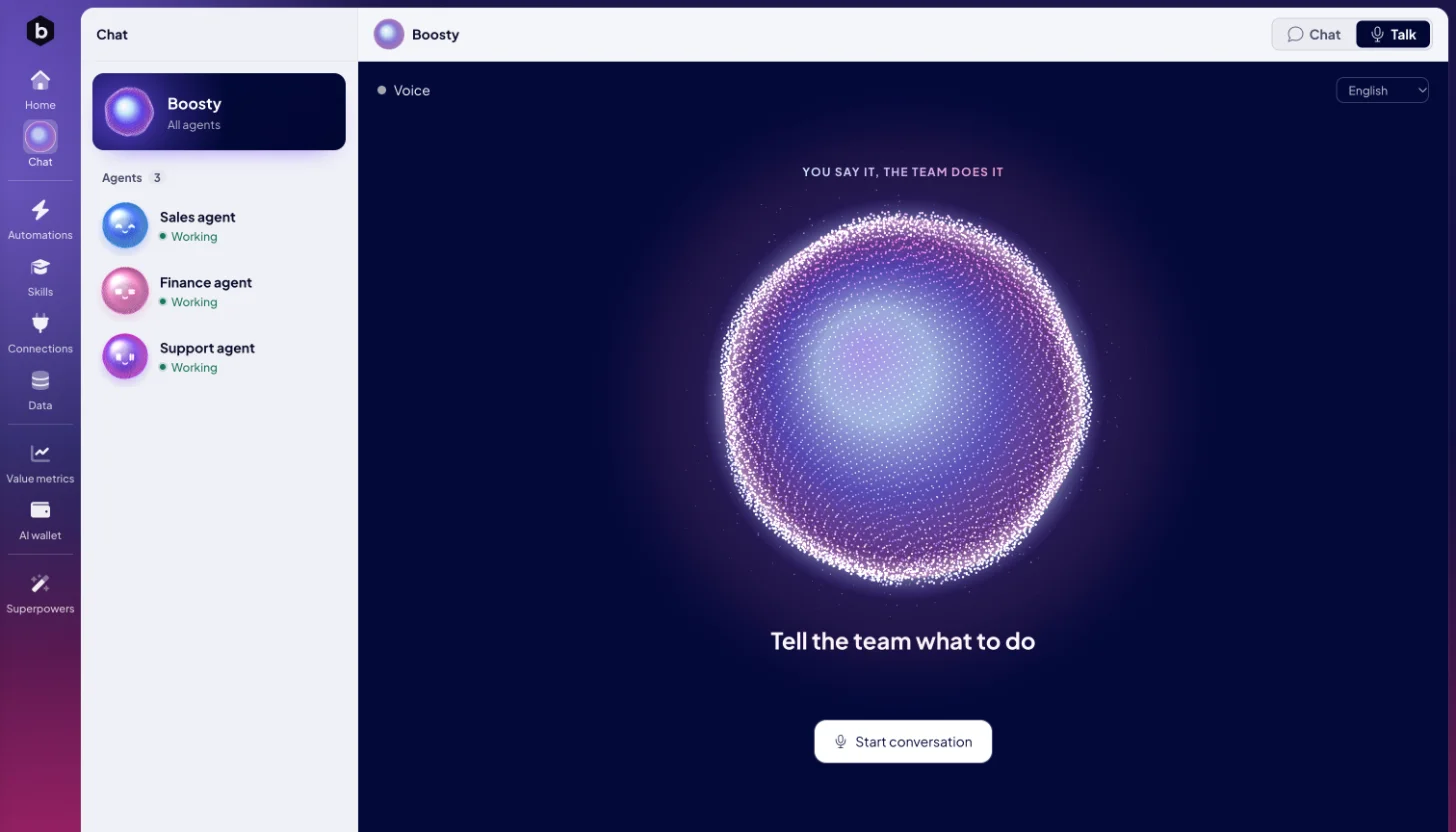
- Boosty. Click Chat and pick Boosty, who opens on Talk. The microphone on Home, Talk to Boosty, takes you there too.
- An agent. Open the agent's chat and switch the header from Chat to Talk.
- Check the language in the menu at the top right.
- Click Start conversation. Allow the microphone when your browser asks.
- Talk. Click End conversation when you are done.
How do I take turns in a call?
Most calls start with your microphone muted, as in a video meeting:
- Hold to talk. Hold Space, or hold the microphone button, while you speak. Let go when you finish. The screen reminds you: Hold Space or the mic to talk.
- Talk hands-free. Tap the microphone button once to unmute, and talk freely. Tap it again to mute.
A call that starts with the microphone on is hands-free from the start, so you just talk.
What happens in a call?
| You talk to | What happens |
|---|---|
| Boosty | Boosty hands what you ask to the agent that fits, and says who got it. Keep talking meanwhile. When the agent's result or question arrives, Boosty says it out loud. |
| An agent | Everything you say goes straight to that agent, and it answers you itself. |
The status under the orb says what is going on: Connecting, Listening, Thinking, Speaking, or Working while an agent works on your request. Your microphone is muted means the agent cannot hear you until you hold or unmute.
Which languages can I speak?
Pick the language in Conversation language, at the top right: English, Čeština, Slovenčina, Italiano or Español. It starts on your AgentOS language when it is one of these, and on English otherwise. Boosty and the agent answer in the language you pick.
What do the controls do?
| Control | What it does |
|---|---|
| Mute microphone / Unmute microphone | Stops or resumes sending your voice. |
| Silence playback / Resume playback | Stops or resumes the spoken answer. |
| End conversation | Hangs up. |
| Enable speaker playback | Appears when your browser holds back sound. Click it to hear the answers. |
If the line drops, the call shows Reconnecting and picks up again on its own. If an agent could not join, end the conversation and start it again.
How do I dictate a message?
In Chat, click the microphone in the message box, say the message, and click it again. The text lands in the box, so you can check it before you send.
How do I hear replies instead of reading them?
Click Read replies aloud in the chat header. Every new answer is read out loud until you switch it off.
Who can talk, and what does it cost?
Voice conversations with Boosty are for admins, and everyone you invite to AgentOS joins as an admin. They use AI Credits from the AI wallet, like typed chats with Boosty. In a call with an agent, the agent works with its own model, as in its chat. See Choose your agent's model.
Next: Talk to Boosty to learn how Boosty passes work to your agents.

