What your agents can do
An AgentOS agent takes a job from start to finish. You give it the job in a sentence, and you decide what it may use.
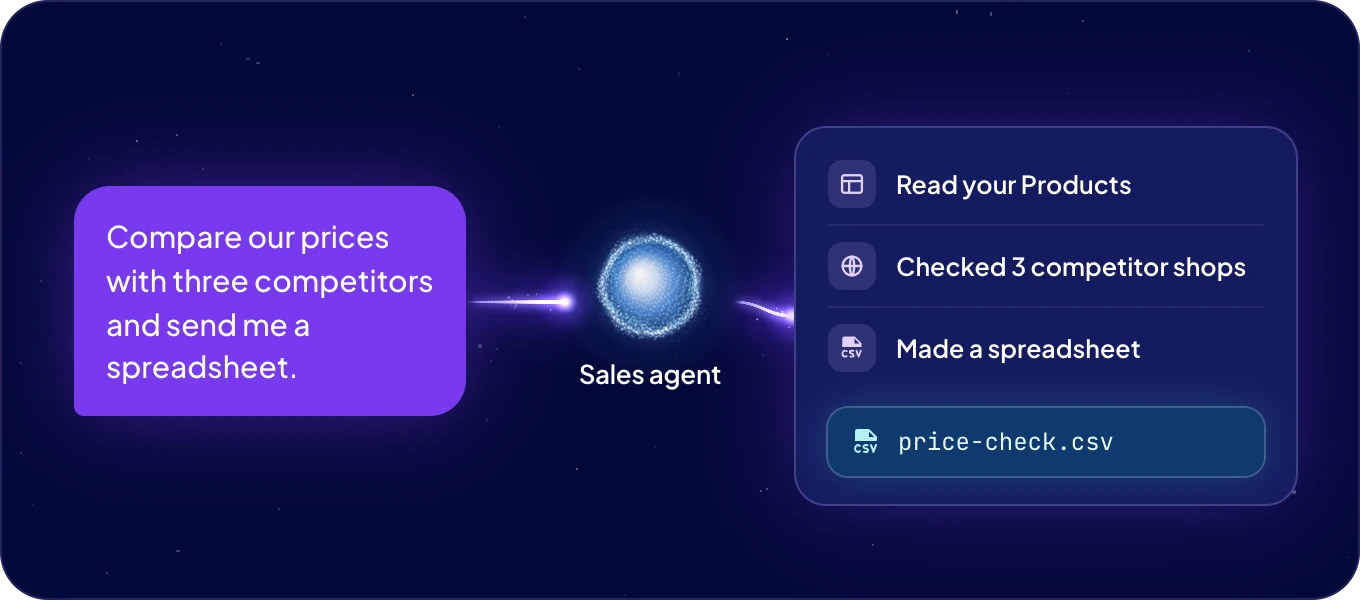
What work can an agent do?
| What the agent does | For example | |
|---|---|---|
| Your data | Reads, creates and updates records in the modules you allow. See Data layer. | "Find the products without a price and list them for me." |
| The web | Searches the web, reads any page, and takes ready data from shops, marketplaces, maps, reviews and social media. See Web data. | "What do our three main competitors charge for this product?" |
| Your apps | Works in the apps you connect for it, with the accounts you choose. See the app catalog. | "Post the summary to our Sales channel in Slack." |
| Code and files | Writes and runs code when a job needs it, and sends the files it makes as downloads. | "Total this spreadsheet by country." |
| Images, video and voice | Makes product images, short videos and voice-overs, and turns recordings into text. See Image, video and voice models. | "Make a product photo on a white background." |
| What you show it | Reads the screenshots, receipts and photos you share in the chat. | "What does this error message mean?" |
Each agent thinks with the AI model you choose, such as GPT, Claude or Gemini, paid from the wallet or from your own AI account. See Choose your agent's model.
How does an agent get better at the job?
- It remembers. Each agent keeps what it learns: facts about your business, and how you like to be written to. Read it on the agent's Knows tile, and correct it with Tell <name>.
- It learns skills. When an agent works out how to do something well, it saves the steps as a skill and improves them next time. You can give that skill to other agents too. See Skills.
Can an agent work on its own?
- On a schedule. Ask for a recurring job, such as "Every Monday at 9:00, send me last week's new leads". It appears under Agent automations, with every run recorded. See Agent automations.
- At scale. Describe work that repeats, such as "When a new order comes in, add the customer to Contacts". The agent builds an ACT automation for it, tests it and switches it on after your yes. See Automations.
- In parallel. For a big job, such as checking hundreds of products, the agent hands parts of it to helpers that work at the same time, then puts their results together.
Where can people reach an agent?
- In AgentOS. Through Boosty on Home and in Chat. See Talk to Boosty.
- By voice. Talk to Boosty and your agents instead of typing. See Talk instead of typing.
- In messaging apps. People reach the agent in Slack, Microsoft Teams, WhatsApp, Telegram, email and other channels. See Channels.
- From your AI tool. Work with your agents and data from Claude, ChatGPT or Cursor. See Connect AI (MCP).
How do I keep an agent within my rules?
An agent sees only the modules you allow and works only with the apps connected for it. Its AI is paid from the wallet you control, or from your own AI account, and you see what each agent used. Before an ACT automation calls another service or goes live, the agent shows you what it is about to do and waits for your yes. See Security and trust.
Next: Agent ideas, six agents to start with.

