Work with the agent
Everything in ACT starts with a sentence. The agent in Chat builds automations, changes them, runs them and explains what happened. The Automations screen is where you check the result.
What to ask
| You want to | Ask the agent |
|---|---|
| Build an automation | "Every Monday at 9:00 Prague time, post last week's euro rates to our Slack channel. Call it 'Weekly rates to Slack'." |
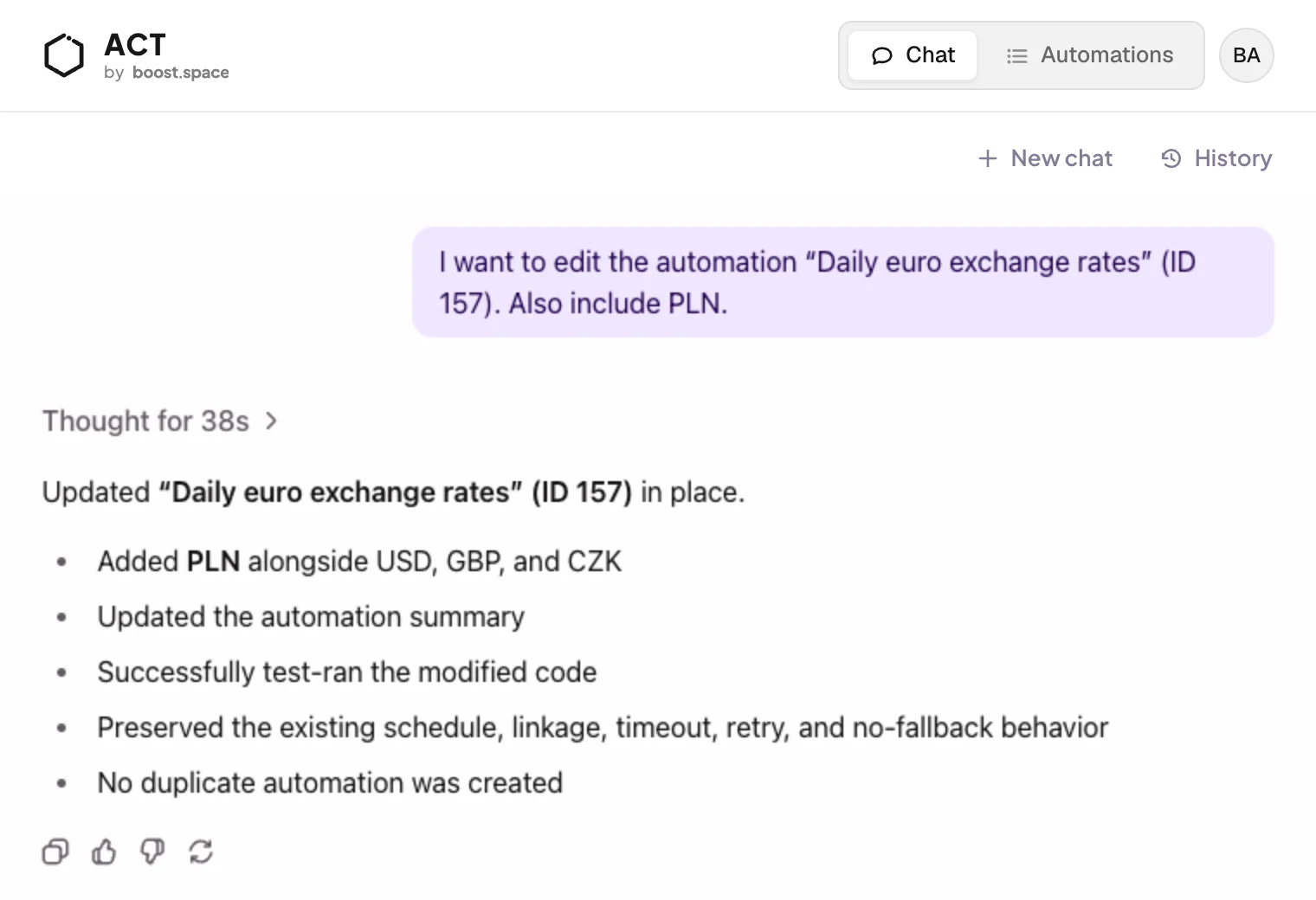
| Change one | "Daily euro exchange rates: also include PLN." |
| Run one now | "Run Daily euro exchange rates and show me the result." |
| Check how it's doing | "Show me the run history for Daily euro exchange rates." |
| Understand a failure | "Why did the last run of Weekly rates to Slack fail?" |
| Connect a service | "I have a Slack incoming webhook URL — store it as a secret." |
Prefer to stay in ChatGPT or Claude? Connect it over MCP and ask the same things there.
Write a good request
Say four things, and the agent can build without coming back to you:
- When it runs: every Monday at 9:00 Prague time, when a new lead is created
- What it does: post last week's euro rates
- Where the result goes: to our Slack channel
- What it's called: "Weekly rates to Slack"
If something is missing, such as the time zone, the agent asks before it builds.
What the agent does
- Writes the code for the job.
- Test-runs it and fixes what fails, before you see it.
- Asks for API keys in a secure form, never in the chat.
- Sets the trigger: a schedule or a record event. Webhooks are added on the automation's Webhooks tab.
- Switches it on and sums up what it built.
Change an automation
Open the automation and click Edit in chat. The agent already knows which automation you mean, so you only say what should change. It updates the automation in place, tests it again and tells you what it changed.
You stay in control. Every automation's Code tab explains in plain words what it reads, computes, writes and calls, and Try it runs it on demand.
Conversations
New chat starts a clean conversation. History reopens earlier ones, so you can pick up a build where you left it.
