MCP
Boost.space hosts a Remote MCP Server — connect Claude, ChatGPT, Cursor, or any MCP client to your system and it can read and search records, create and update data, build modules and fields, and run Boost.space's AI operations. It runs on Boost.space infrastructure; there is nothing to host yourself.
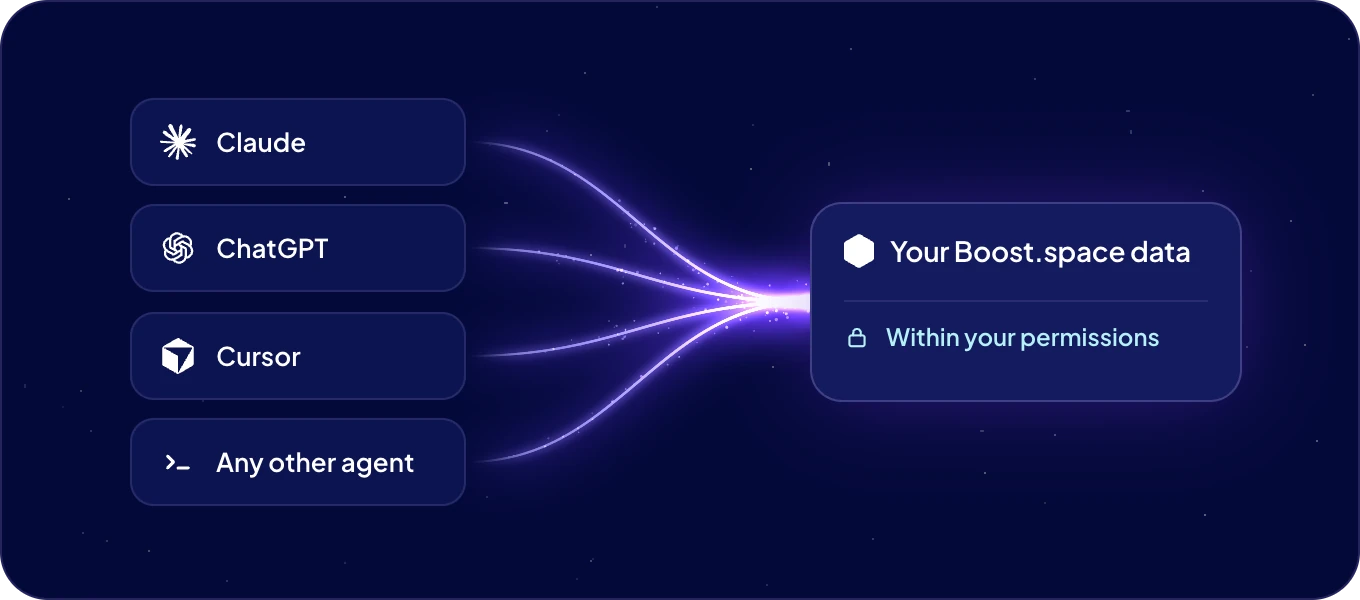
An agent connected over MCP acts with exactly your Boost.space permissions — it can read, write, and query only the data you can, nothing more.
Two servers
| Server | What it's for | URL |
|---|---|---|
| Your data | Read, write, and query your Boost.space system | https://mcp.boost.space/v2/{system}/sse |
| These docs | Let an agent search and read this documentation | https://docs.boost.space/mcp |
Start here
| Guide | What you'll do |
|---|---|
| Connect via MCP | Point any MCP client at your system with the Connect AI window |
| MCP clients | Per-client setup: Claude, ChatGPT, Cursor, VS Code, Claude Code, v0, Lovable, CLI |
| API tokens and MCP tokens | Tokens, OAuth, and how access stays scoped |
Want the full picture first — what an agent can actually do here, and the agent-readable doc
surfaces like /llms.txt? Boost.space for AI agents is the next page.
