AI
Boost.space brings AI directly to your data: AI features enrich, transform, and validate the data itself. Connecting an external agent — Claude, ChatGPT, Cursor, or your own — is covered in MCP.
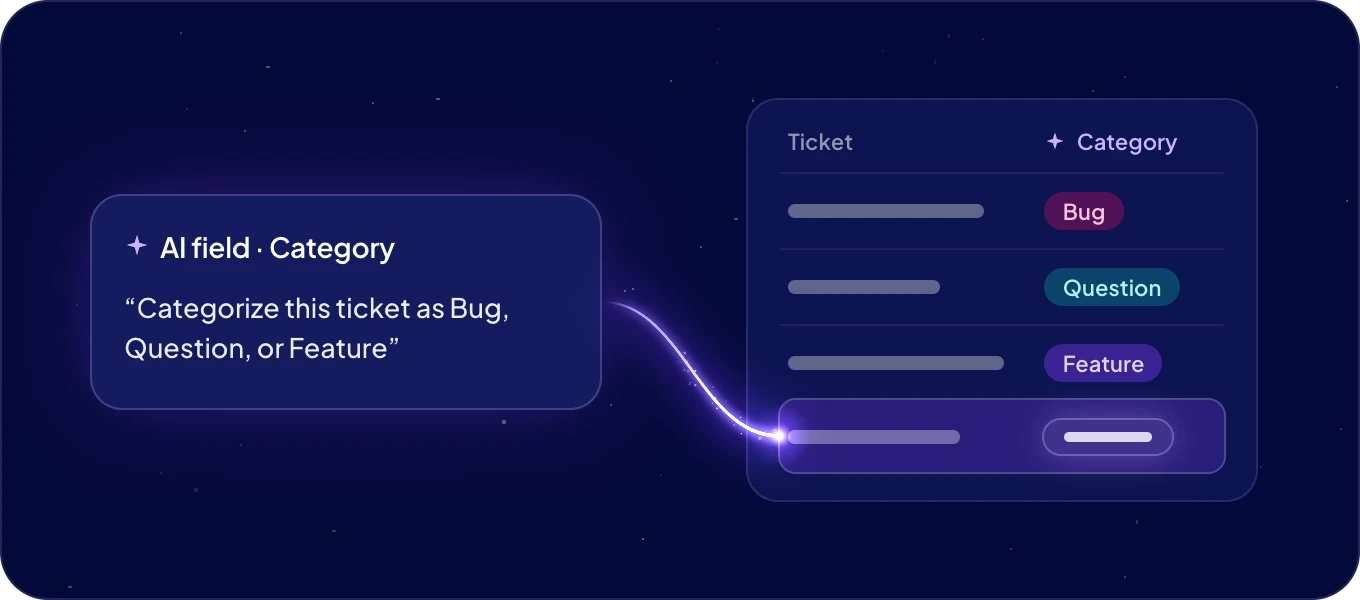
AI always acts within your permissions — it can read, write, and query only the data you can, nothing more.
Start here: AI fields — a value generated or enriched from a prompt and the record's own data. Bringing your own agent, or building for agents? That lives in the MCP tab, starting with Boost.space for AI agents.
AI inside your data
| Feature | What it does |
|---|---|
| Vector database | Embed spaces so agents and search match records by meaning |
| AI fields | Fields whose values are generated or enriched from a prompt |
| AI text manipulation | Shorten, extend, translate, and rephrase text inline |
| AI data transformation | Clean and standardize a whole column with AI |
| AI data validation | Check a column against a rule and surface what fails |
AI features run on AI credits.
Bring your own agent
External agents connect over the Remote MCP Server — they search and write records, build structure, and run AI operations within the connected user's permissions. Start with Connect via MCP; per-client guides live in MCP clients.
How they fit together
Your data lives in Boost.space. AI features act on it from the inside; MCP lets outside agents read and write it too — both within your permission boundaries. The same operations are available to your own code over the REST API and SDKs.
