Team & account
Everything about you and your team sits in the avatar menu in the top right.
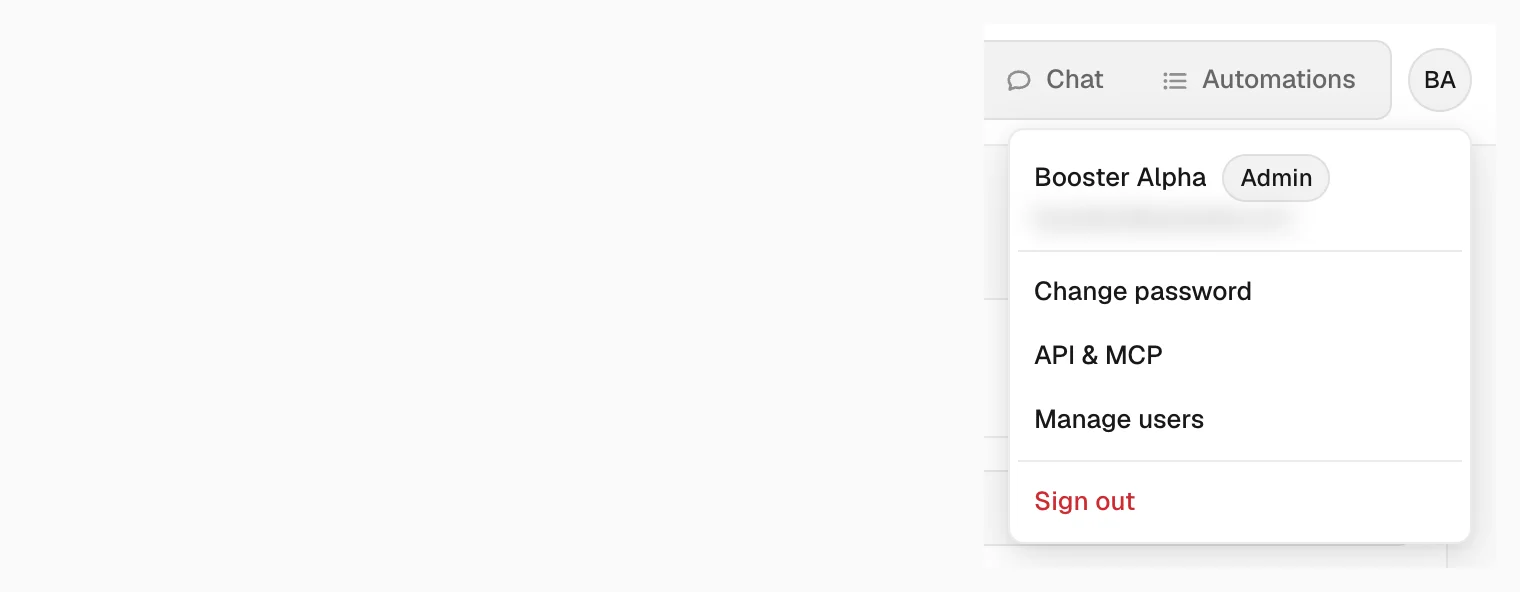
- Change password — enter the current one, then the new one twice.
- API & MCP — connect AI assistants and apps. See API & MCP.
- Manage users — invite and manage your team. Administrators only.
- Sign out
Invite your team
Open Manage users and click Invite user. Enter their e-mail and pick a role. They get an invitation and appear in the list once they accept it.
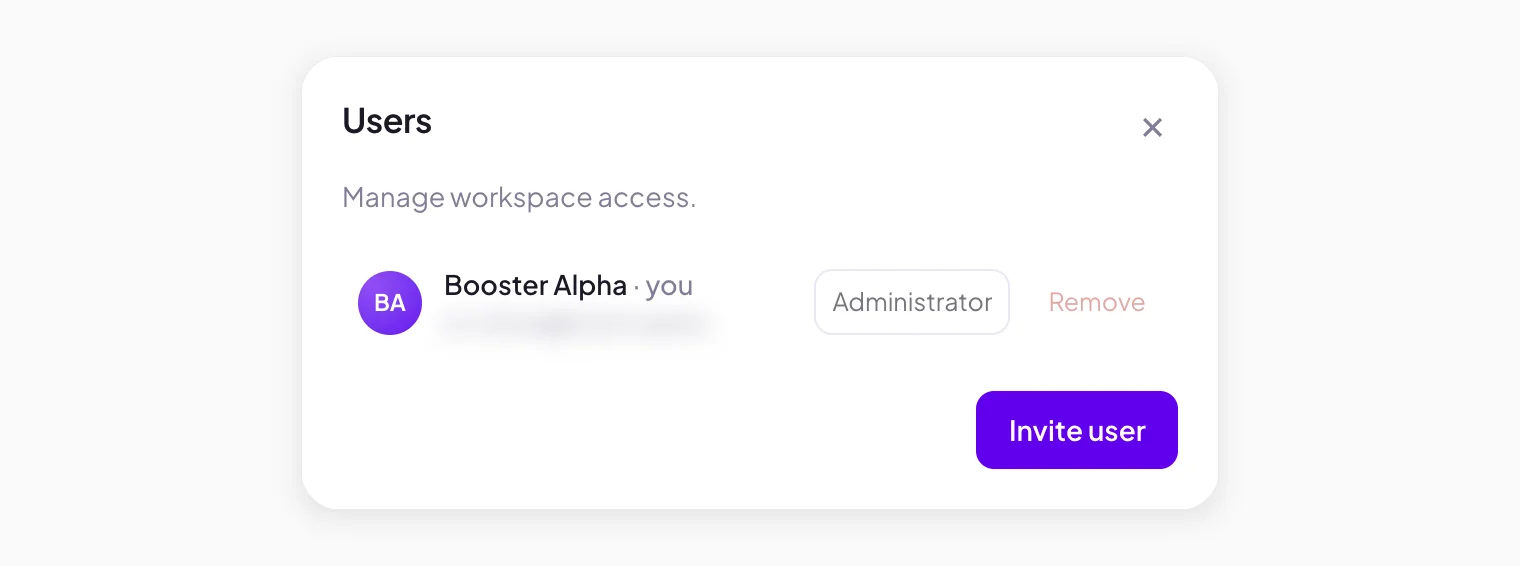
From the same list you can change someone's role or remove them. A workspace has a limit on users and on administrators; the invite tells you when you reach it.
Roles
- Administrator — full access: building and running automations, triggers, webhooks, run history and the team. The Admin badge next to your name in the avatar menu shows it.
- User — sees the workspace's automations and their status.
