See what every agent contributes
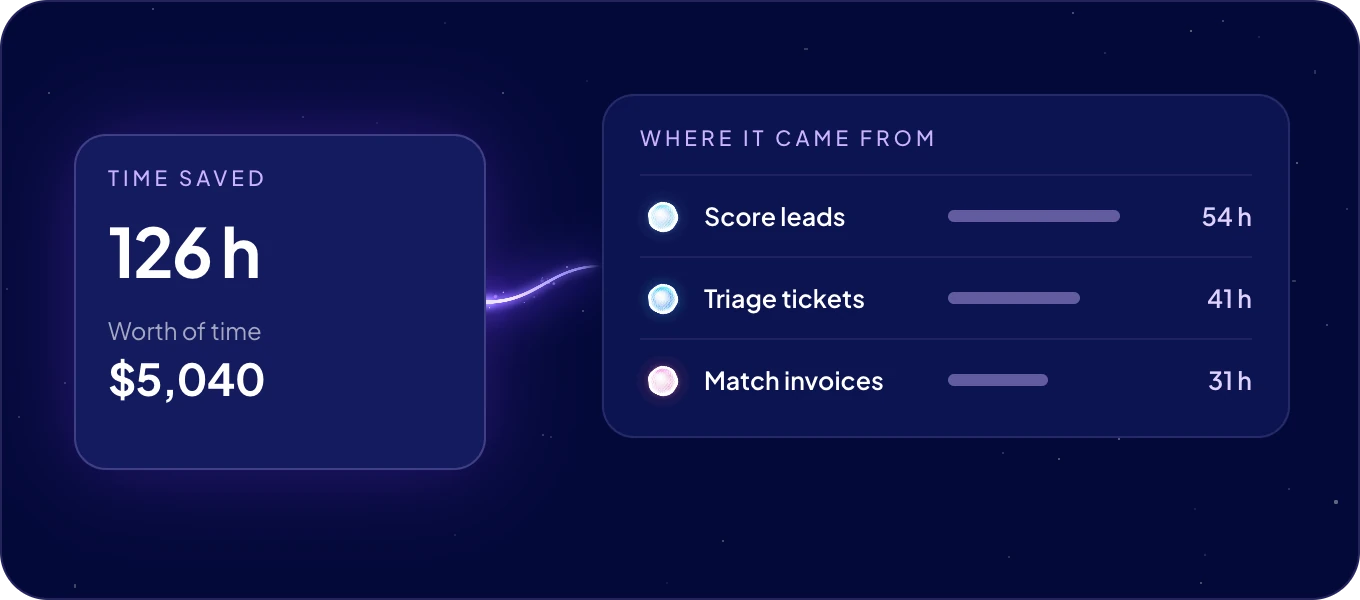
Value metrics in the left rail shows the time your agents save and what that time is worth. Every time an agent uses a skill, the minutes that job takes a person are counted. The figures grow with every job your agents take off your hands.
How are the figures calculated?
From three inputs:
| Input | What it is | Where it comes from |
|---|---|---|
| Runs | How many times the agents used the skill, all time. | Counted by AgentOS. One use of a skill for a job is one run, whether you asked in a chat or an automation started it. |
| Minutes each | How long the same job takes a person by hand. | You set it per skill. A skill starts at 10 minutes. |
| Hourly rate | What an hour of that work costs you. | You set it once, for every skill. A new system starts at 600 an hour, in your system's currency. |
And the figures follow from them:
Hours          = Runs × Minutes each ÷ 60          (per skill, to one decimal)
Worth of time  = Hours × Hourly rate               (per skill)
Time saved     = all skills' Runs × Minutes each ÷ 60   (to one decimal)
Worth of time  = Time saved × Hourly rate          (at the top)
For example, Score leads ran 120 times at 5 minutes each. That is 600 minutes, so Hours shows 10.0. At an hourly rate of 40, its Worth of time is 400.
What does the page show?
At the top:
| Figure | What it shows |
|---|---|
| Time saved | The hours of work your agents have done, all time. |
| Worth of time | Those hours at your set hourly rate. |
| uses | How many times your agents used their skills. Next to it, what this month's AI cost from the AI wallet, with a link to it. |
Set the cost of the AI next to the worth of the time, and you see what your AI team returns.
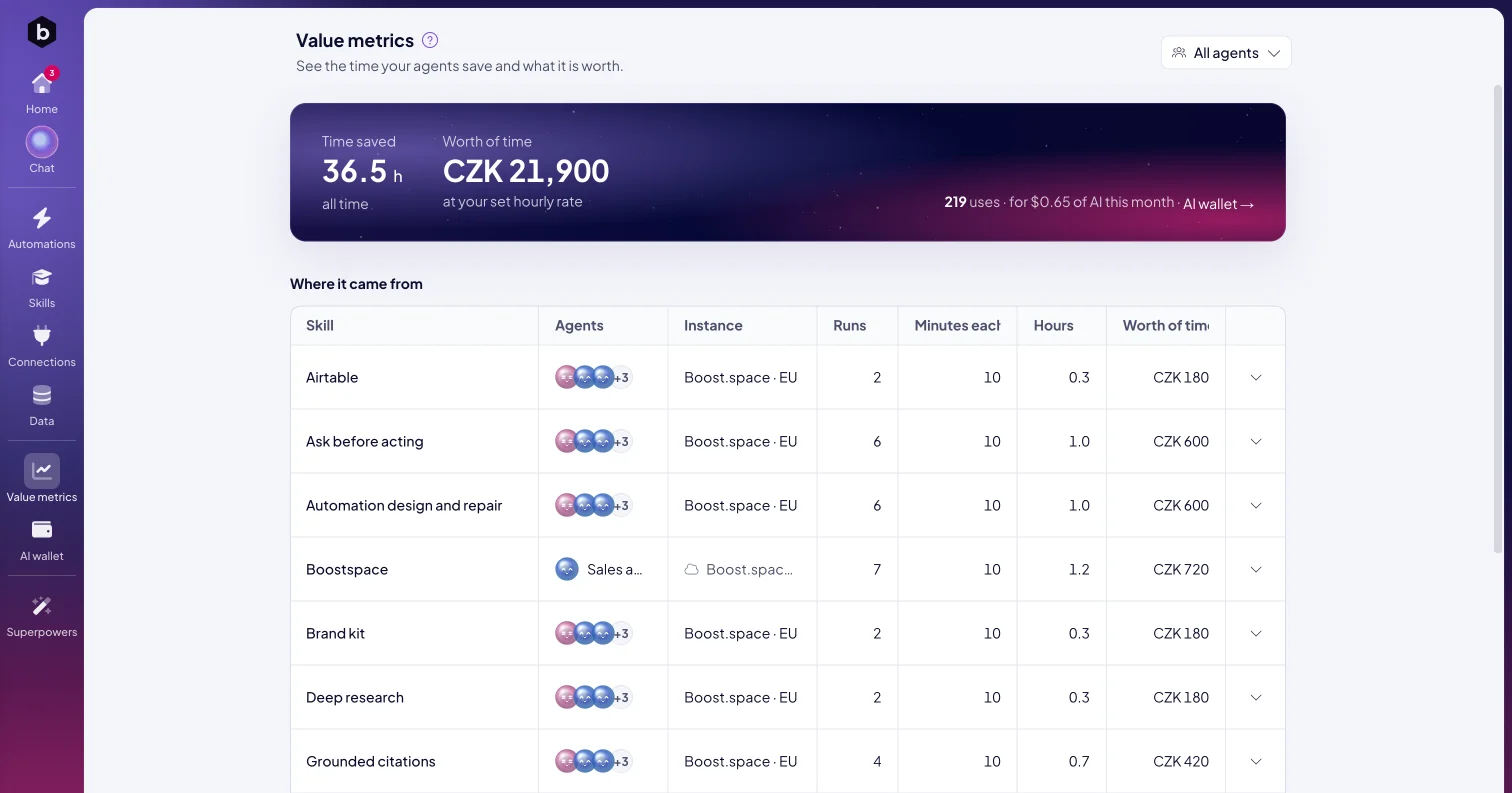
Below, Where it came from breaks the figures down by skill:
| Column | What it shows |
|---|---|
| Skill | The skill the agents used. |
| Agents | The agents that used it. |
| Instance | Where the skill ran. It shows when your agents run on more than one instance. |
| Runs | How many times the agents used it. |
| Minutes each | How long the same job takes a person. |
| Hours | The time saved: runs times minutes, in hours. |
| Worth of time | Those hours at your hourly rate. |
A skill appears in the table after its first run.
Can I see one agent's figures?
Yes. Pick the agent in All agents at the top right. The page then counts only that agent's runs. A skill several agents share counts the runs of the agent you picked.
How do I match the figures to my business?
Open a skill's row. It shows the skill's runs, uses · all time, and the sum behind its figures.
- Type the minutes the job takes by hand, next to min by hand · this skill. Use a whole number from 0 to 1,440. The figure is shared by every agent that has the skill.
- Type your hourly rate, next to your currency and an hour · every skill. It applies to every skill.
- Click Save these figures. The row shows Saved, and every figure on the page follows.
As you type, the row shows the result: hours replaced and the work replaced it is worth. Admins set the figures.
The figures rest on your own estimates. Set the minutes and the hourly rate your team really works with, and the result is your real return.
When do the figures start?
With your first finished task. Until then, Time saved and Worth of time show a dash and Waiting for the first finished task, and the table says Nothing counted yet. Skills show up here after their first run.
Next: Skills, the know-how your agents' value comes from, or the AI wallet to see the cost side.

