Comments
Comments let your team discuss work right where it lives — on the record. Leave a note, ask a question, or post an update, and everyone with access to the record sees it in context.
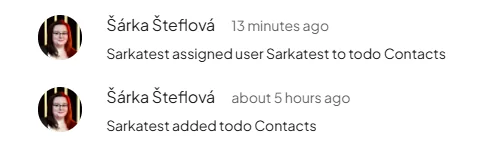
Boost.space also adds automatic comments for key events — who created the record, who assigned users — so every record carries its own activity trail.
Where to find them
On modules that support comments, open a record's detail — the comments section sits at the bottom.
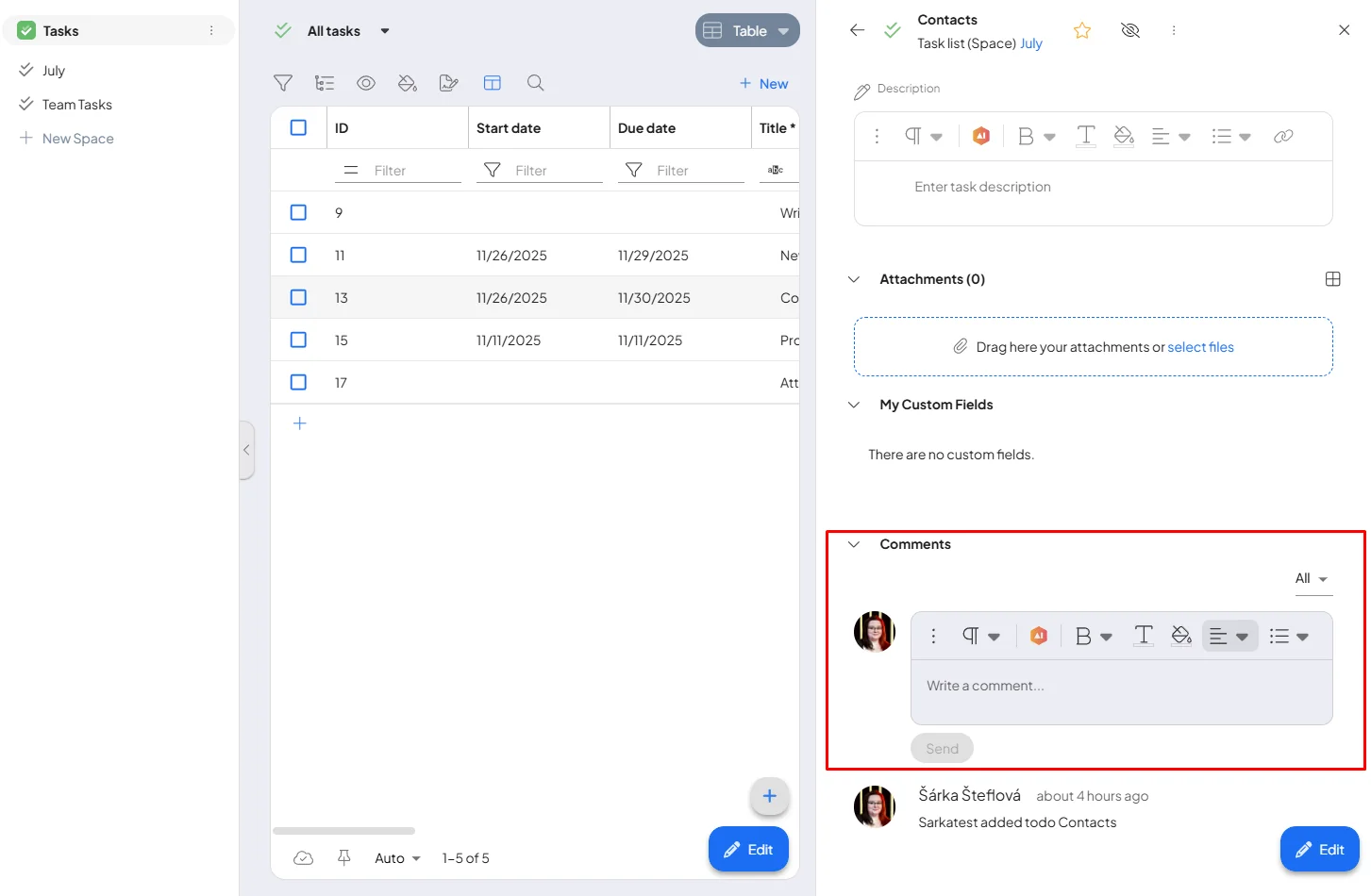
Add a comment
Type your message in the comment box and send it. It's immediately visible to everyone who can open the record.
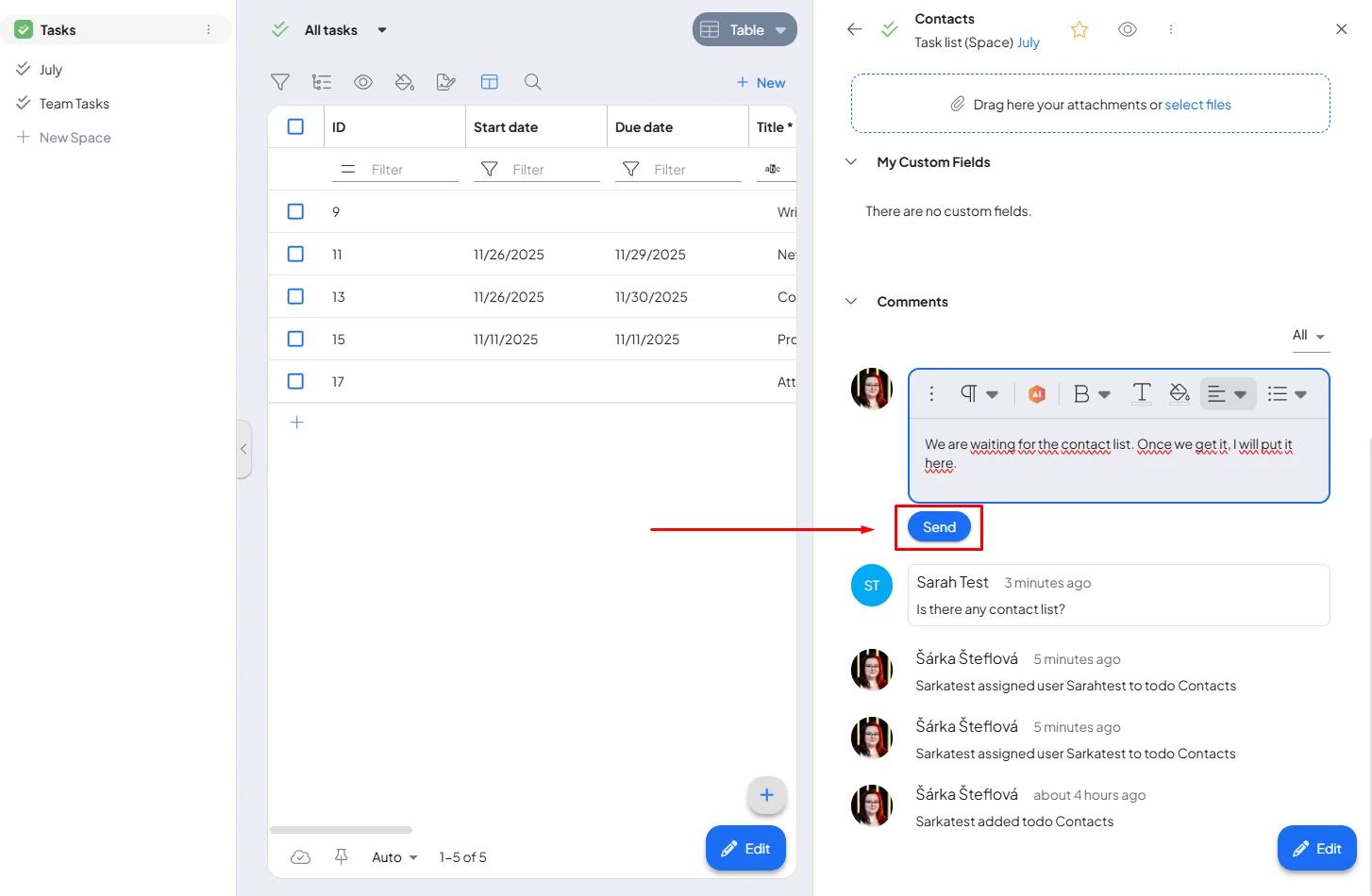
Visibility follows permissions: a person sees and writes comments only on records they can access — the same space roles as the data itself.
