Company design settings
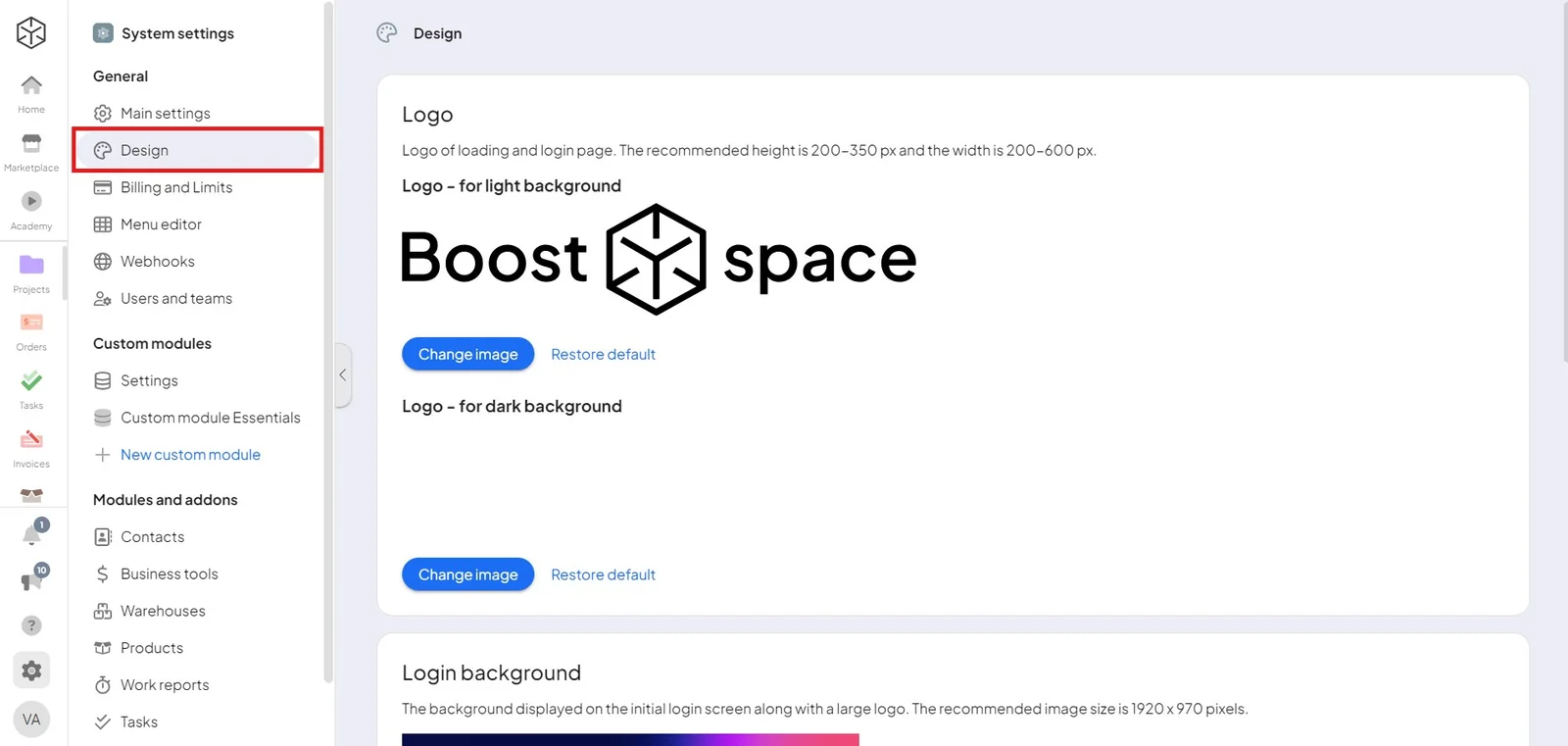
Personalize the system to match your brand — logos, colors, backgrounds, and favicon.
Admins can change the design through system settings.
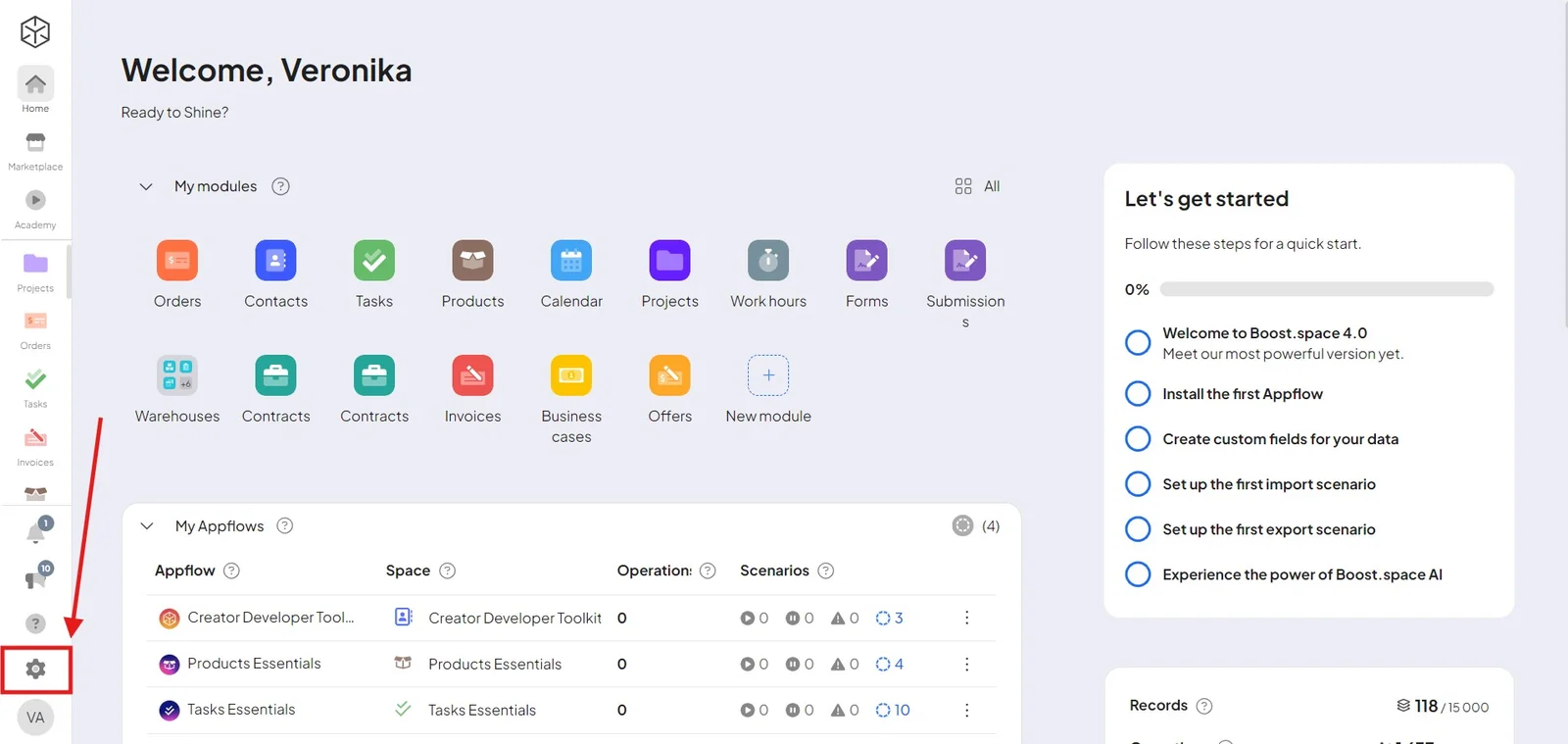
In the design settings, you can personalize:
- A large logo – is displayed when the system loads and on the login screen;
- A small logo – is displayed in the main menu;
- The background of the login screen – is displayed when you first log in to the system;
- Favicon – displayed in the browser bar;
- System colors – that appear across the system.