Labels
Label records to organize and find them faster. Boost.space has two types of labels: personal and shared.
Labels can be set by both user and admin. The difference is that the admin has access to settings, so they can set labels globally or across multiple spaces. A user can only add labels in a space where they are a Manager or Owner — see Space roles and permissions.
Personal labels
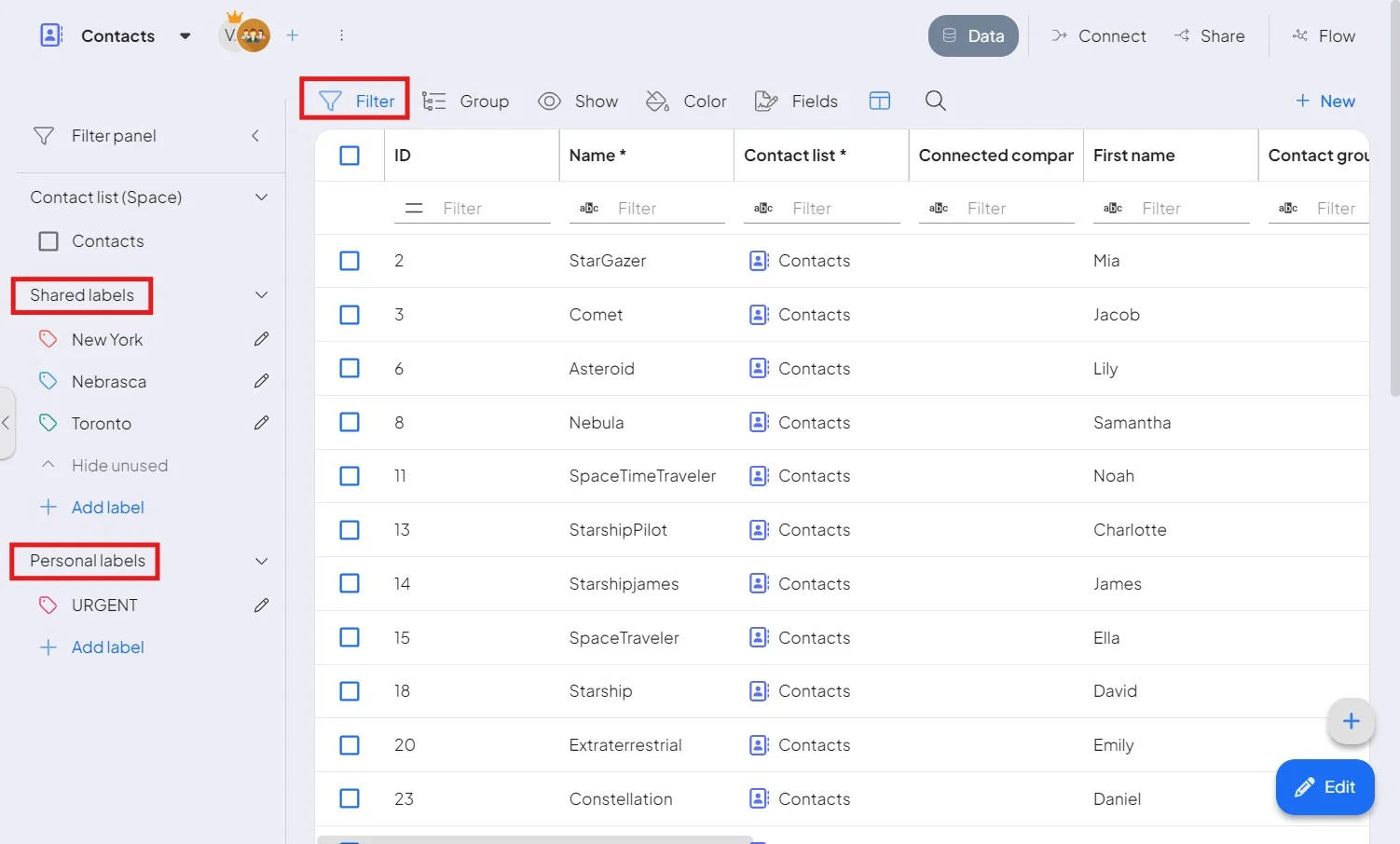
Personal labels are user-specific and only visible to the user who created them, allowing for an individualized organization that is not visible to others. Personal labels are always located above the spaces at the module level.
Shared labels
Shared labels are assigned to spaces and are visible to all users. Each space can have a unique set of labels. If no label is assigned to a space in the settings (i.e., if nothing is marked), the label is considered global and will be visible across all spaces.
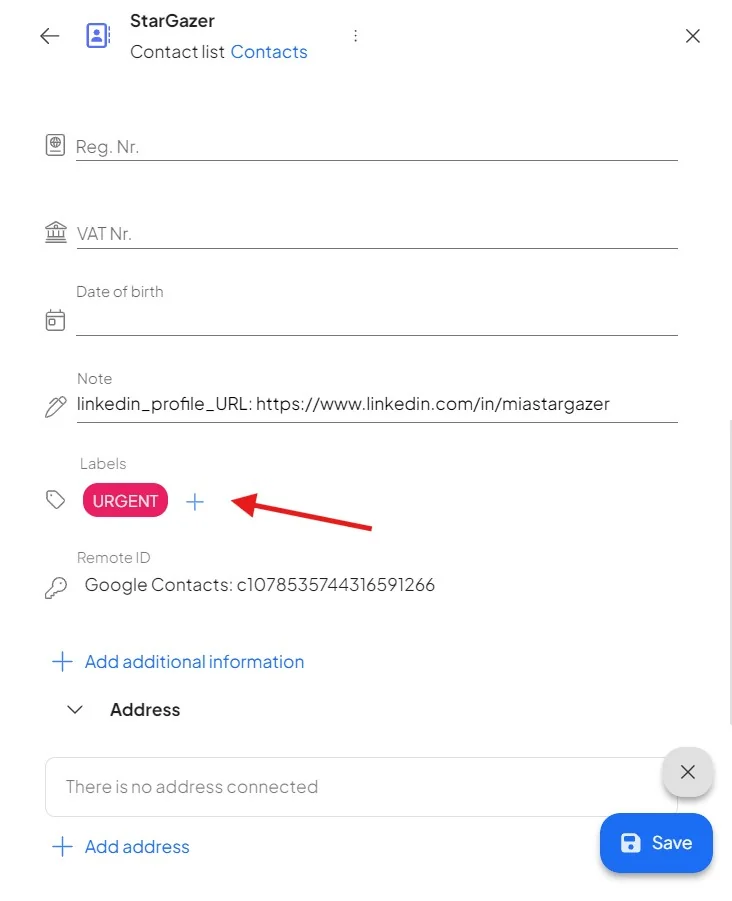
Personal and shared labels are available in the filtration panel or inside the record detail after clicking on the EDIT button.