Log in to Boost.space
There are two ways to log into your Boost.space system.
Via Gate
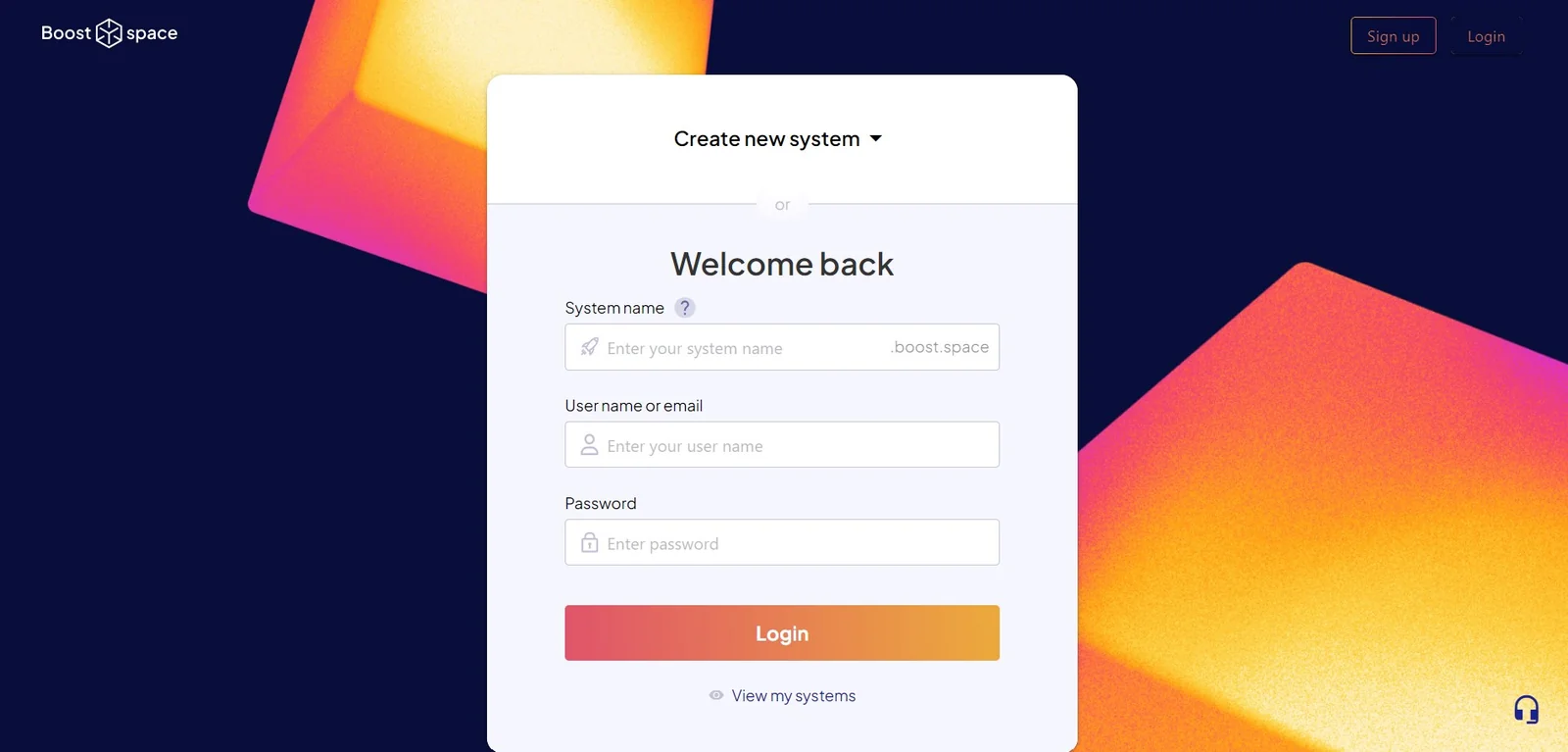
- Go to the gate.boost.space page
- Here, you will need to fill in your system name, username, and password
- After filling in these details, you are automatically redirected into the system
Via your system URL
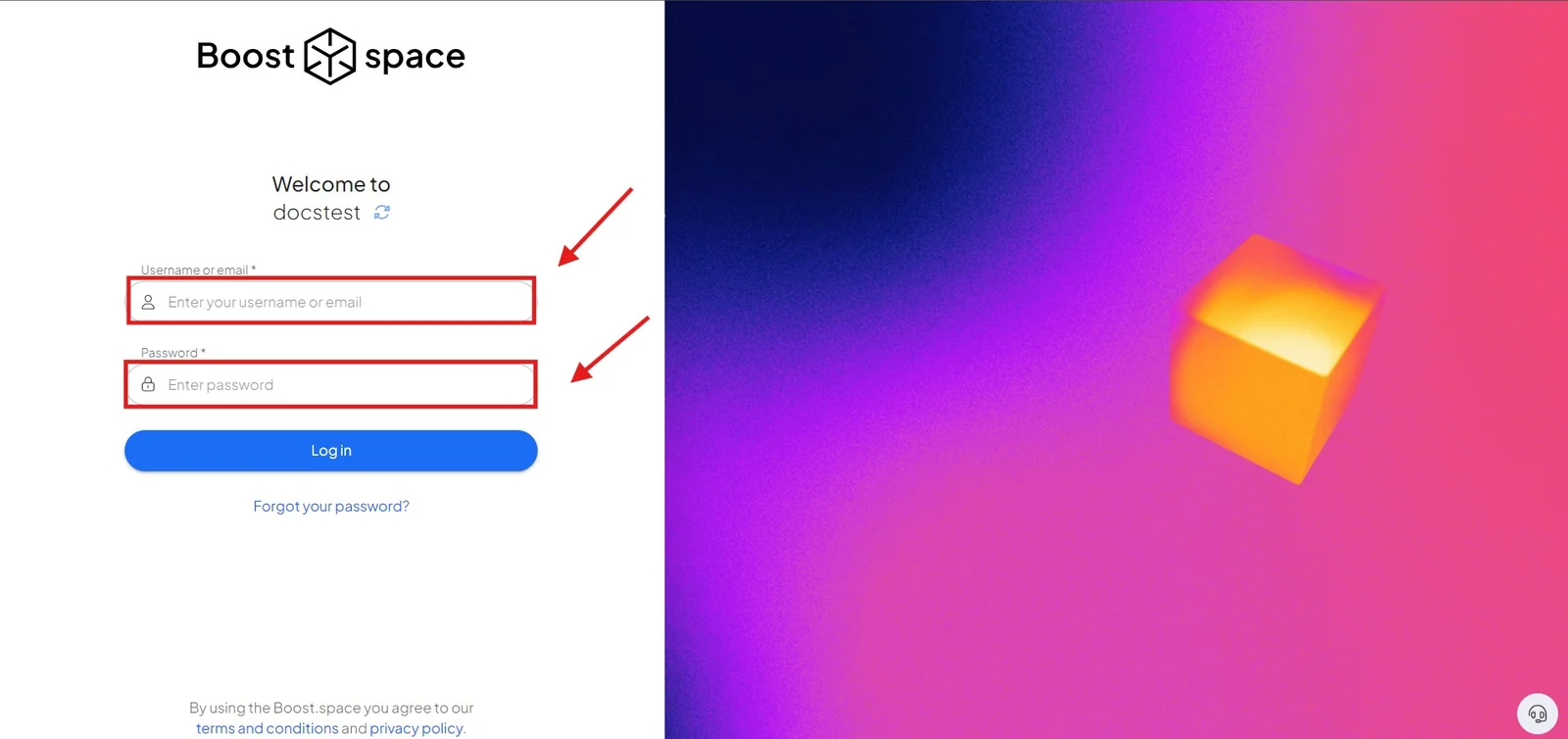
- Type your URL into the URL bar – e.g., https://MYSYSTEMNAME.boost.space
- On this page, just fill in your username/email and your password
- After filling in these details, you are automatically redirected into the system
Not sure what your system name is? See System name and system key.
