Agency account
Every Boost.space customer gets their own system on its own domain —
yourcompany.boost.space — with its own database, its own users, and its own
MCP endpoint. Systems are isolated from each other by design; there is no shared tenancy
to opt out of.
That isolation is why agencies run one system per client rather than one system with everything in it. Each client's data stays in its own system, and the people who work across several clients move between systems instead of having access widened.
Linking is automatic and takes no setup. Create a user with the same email address in each system and Boost.space recognises it as one person across all of them. Nothing to configure, no request to file — a switcher simply appears. That is the whole mechanism, so if you were expecting a longer procedure, there isn't one.
Set up an admin user with that shared email address on each system in system settings.
Switching between systems in Boost.space
Then click on your avatar in the bottom left corner and click on the icon to switch between systems.
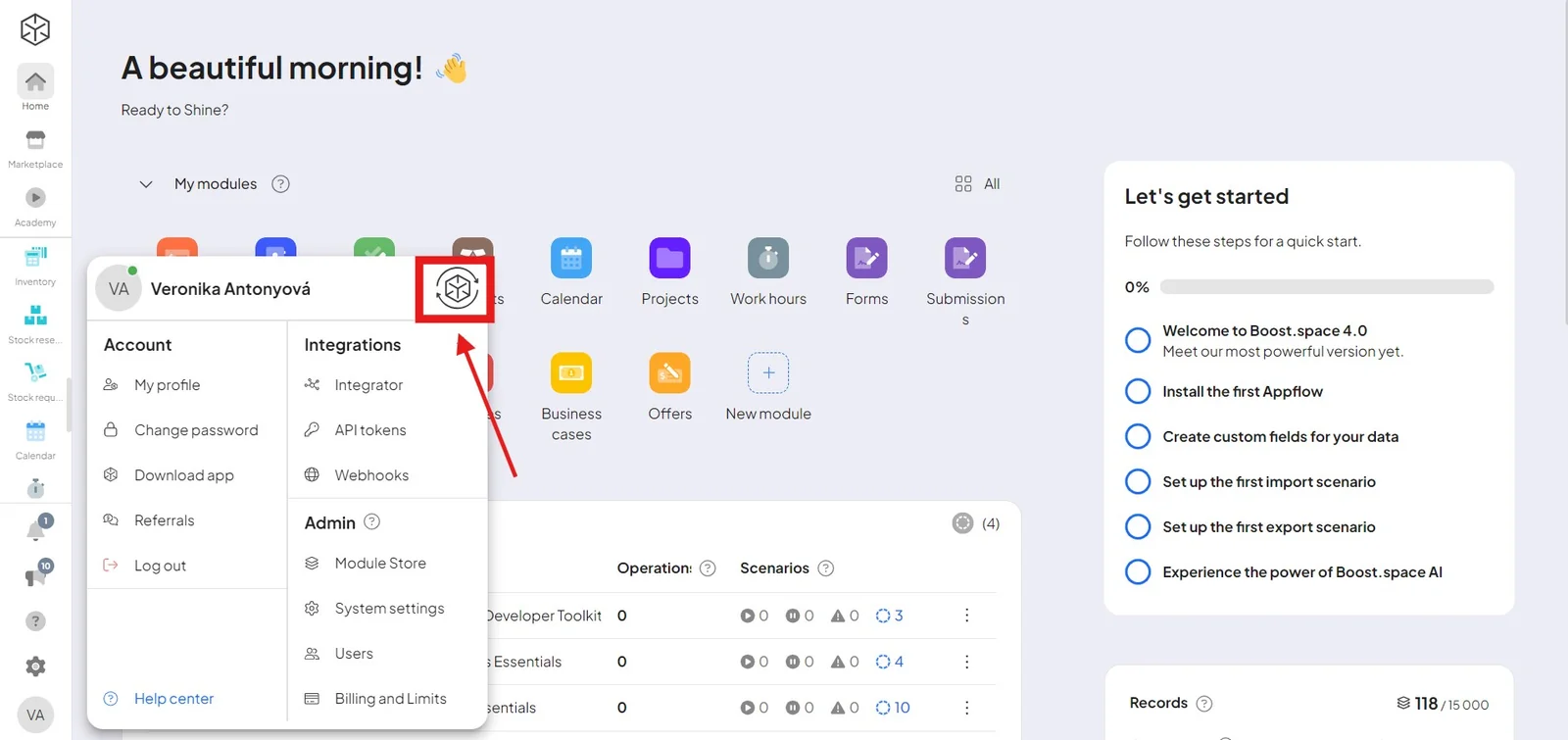
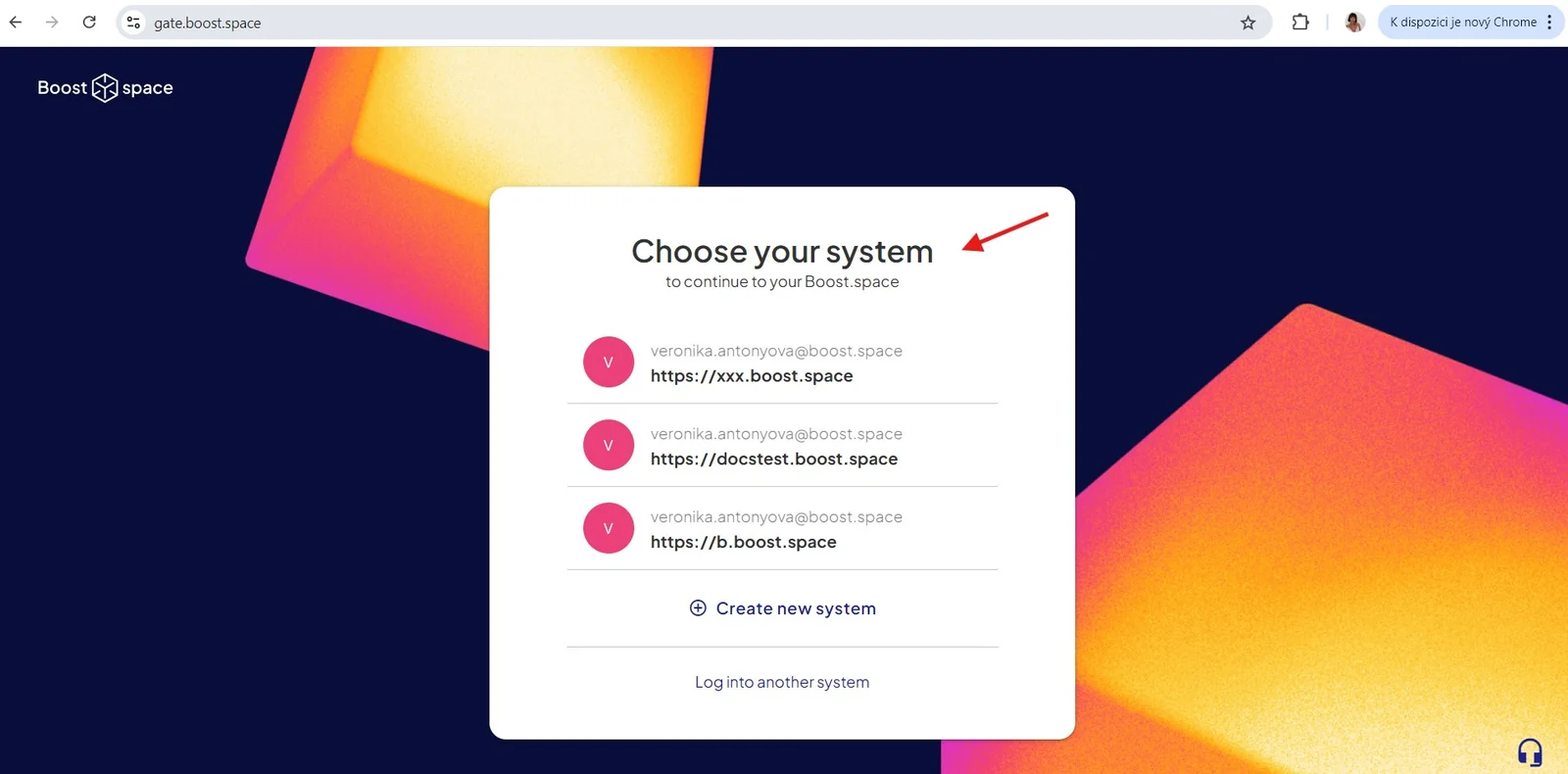
Here, you can choose which system you want to log into. Just fill in your login details for that system, and you're done.
The switcher lists the systems this browser has signed into, so on a new machine you sign in once per system and they accumulate from there. Sharing an email address links the accounts; it does not sign you in everywhere.
Switching between Make organizations
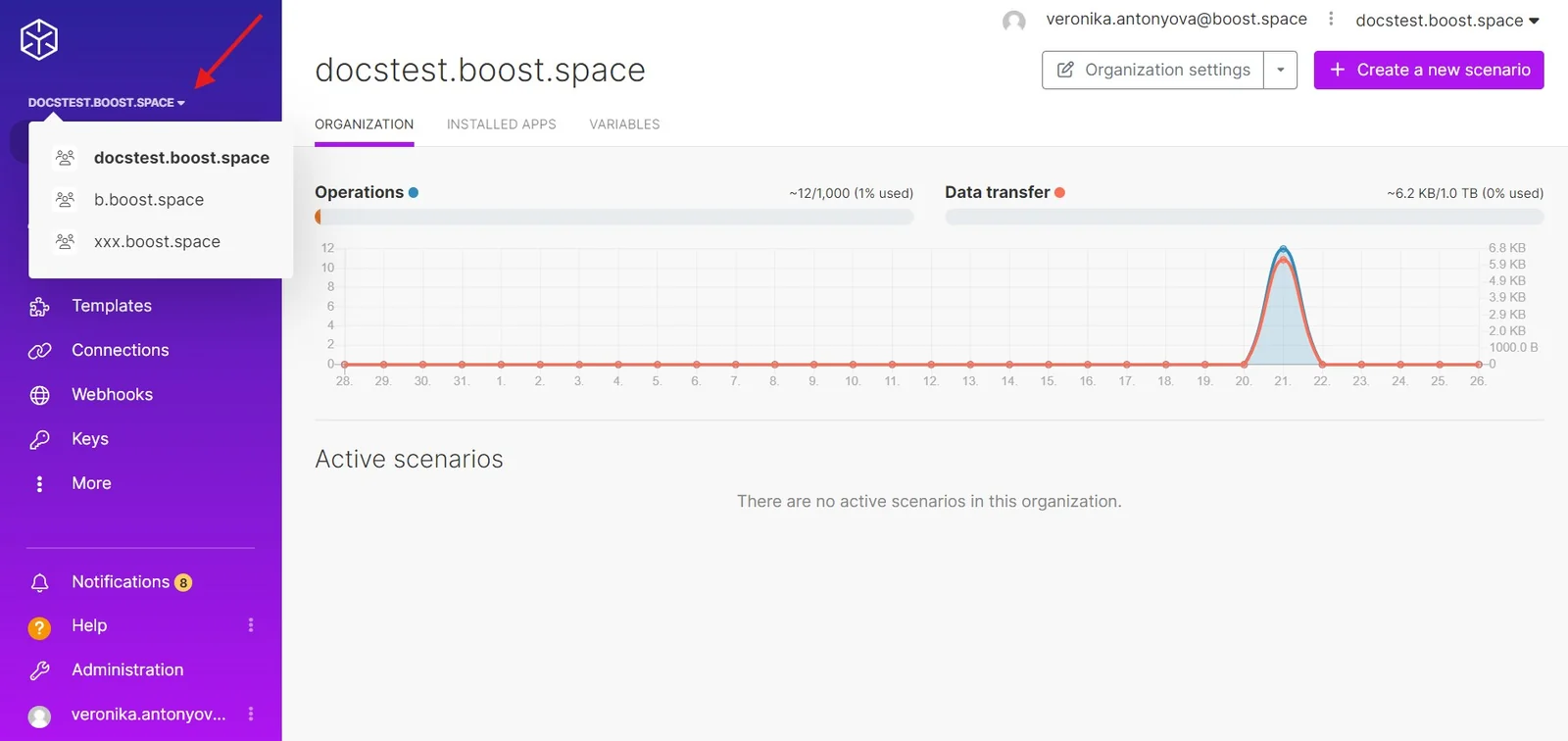
If you have multiple Make organizations connected, you can switch between them by clicking the name of your organization in the Make area.