Navigating the modules
Boost.space modules share one foundation, so once you know your way around one module, you know them all. This is a quick visual tour; the concepts live in Hierarchy – modules, spaces and records.
Orientation
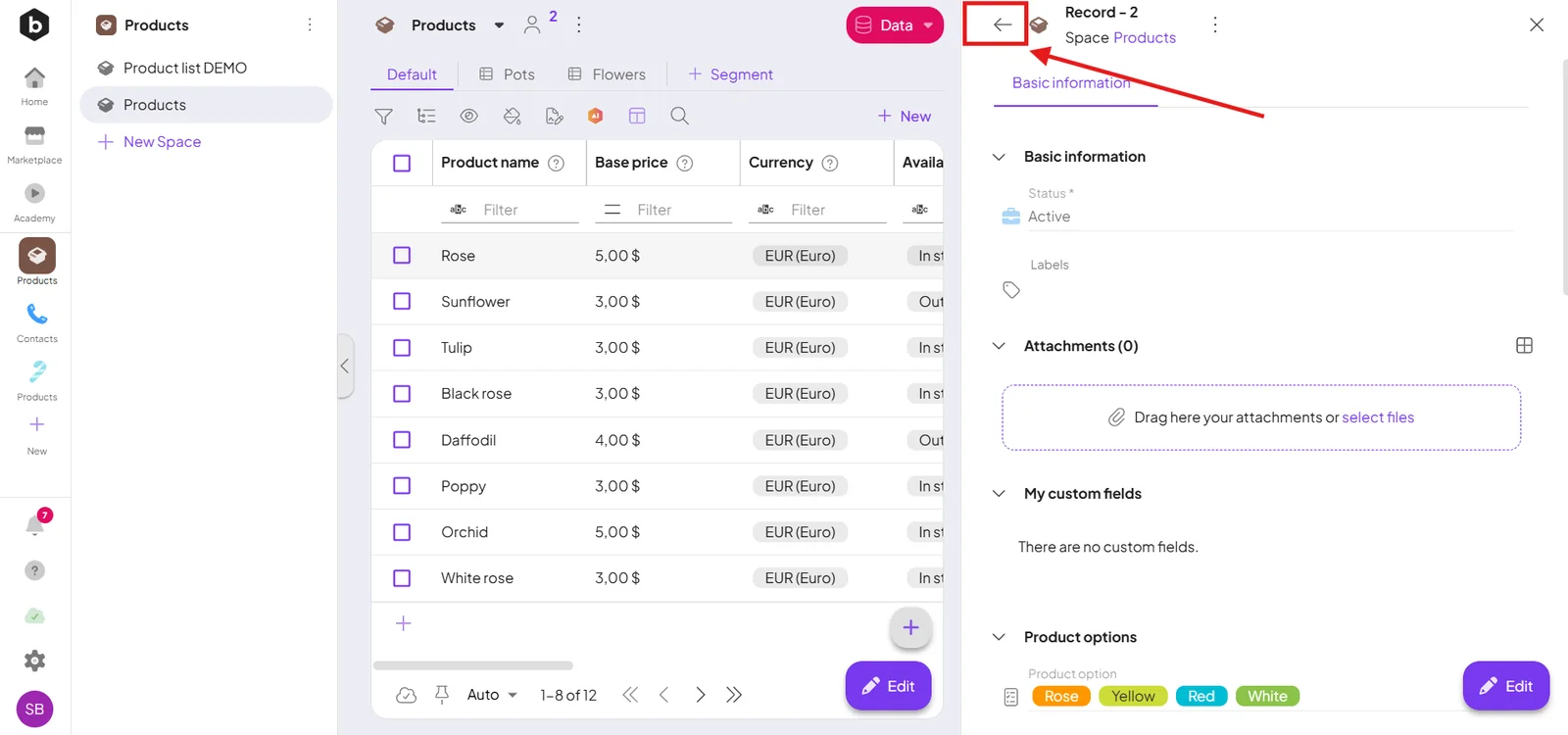
One level above — the back button returns you to the level above.
Spaces
Space menu — filter the module's spaces by status and create new ones.
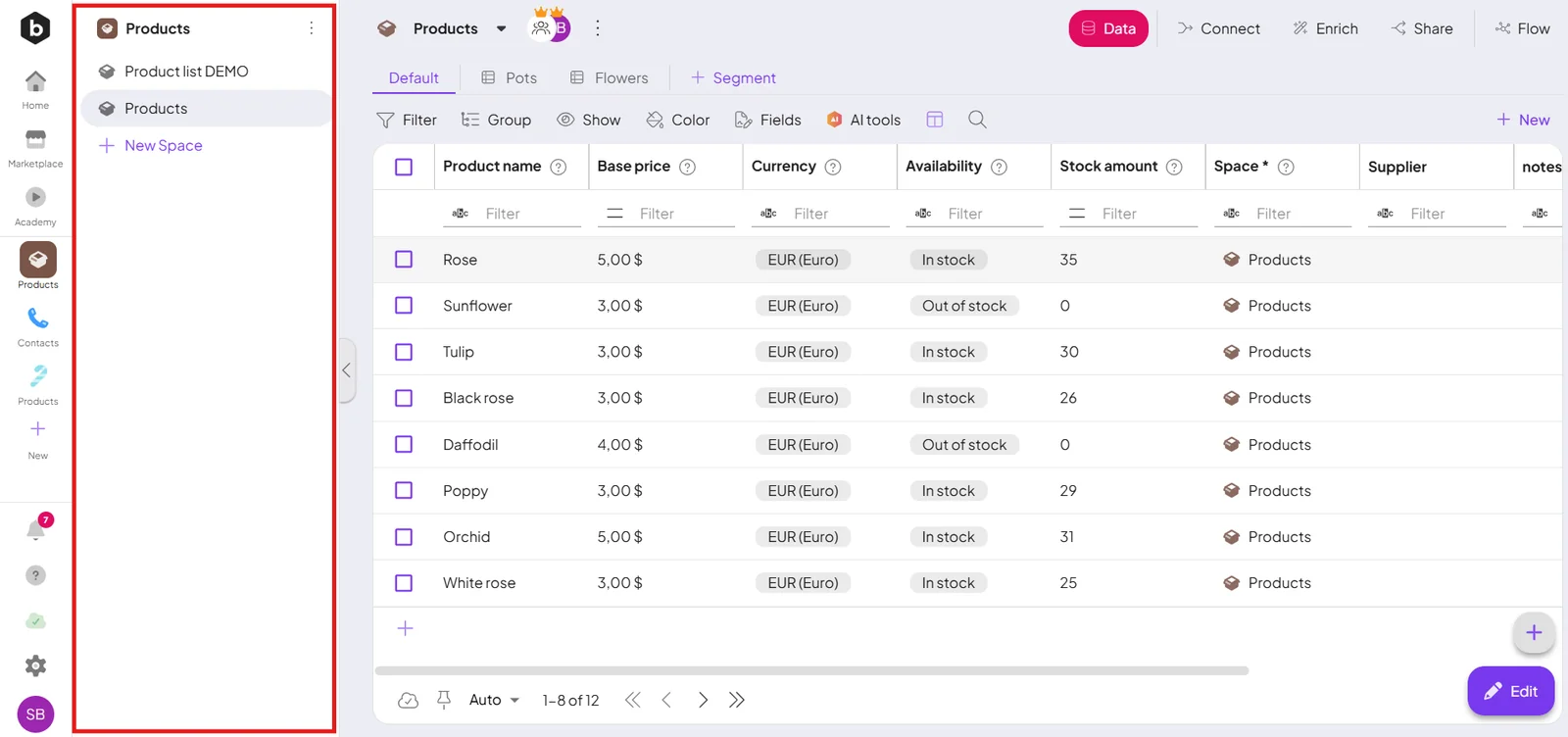
Navigation panel — move between spaces within the module.
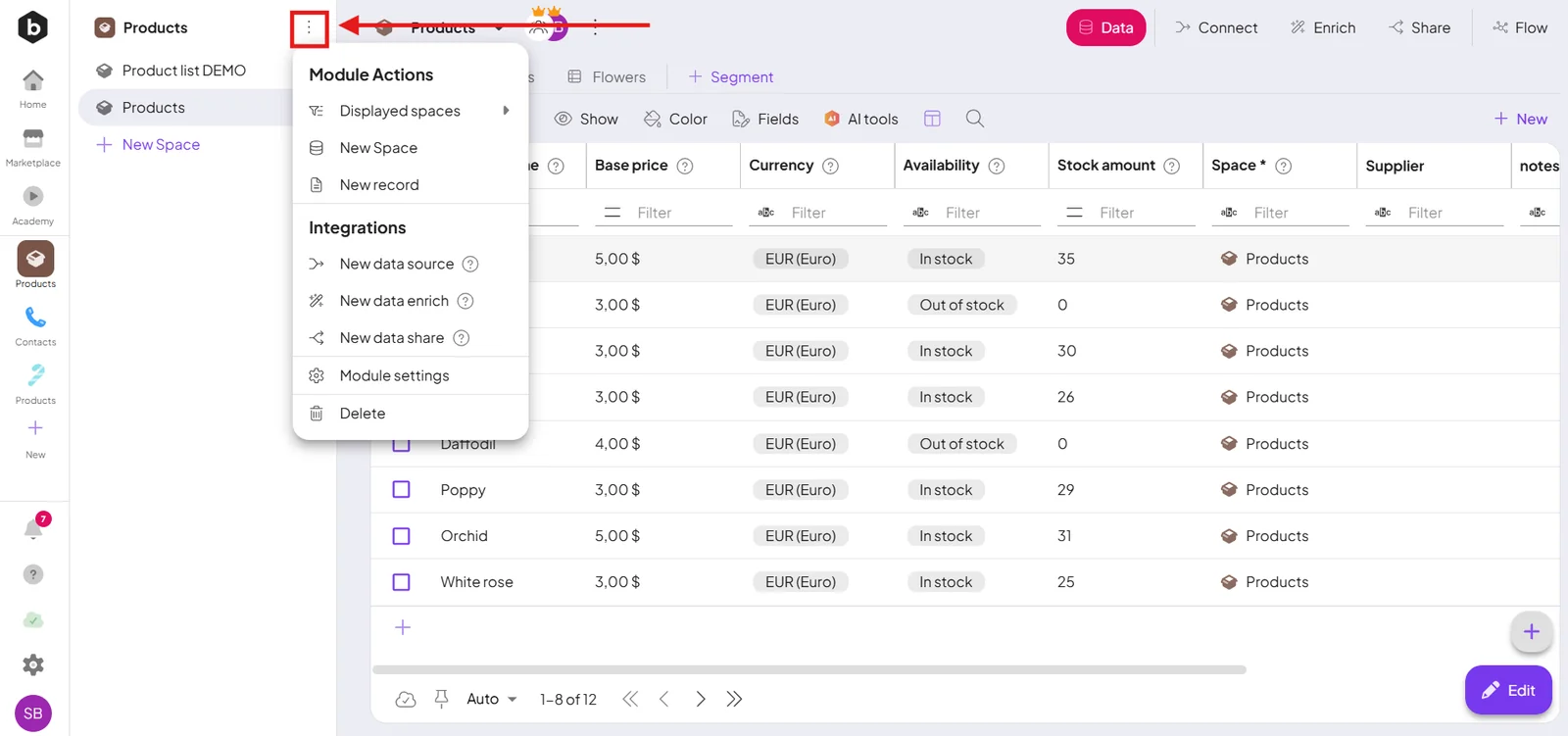
Space settings — with a space selected, open ⋮ → Edit for its settings: key field, description, field groups, statuses, automations, and logs.
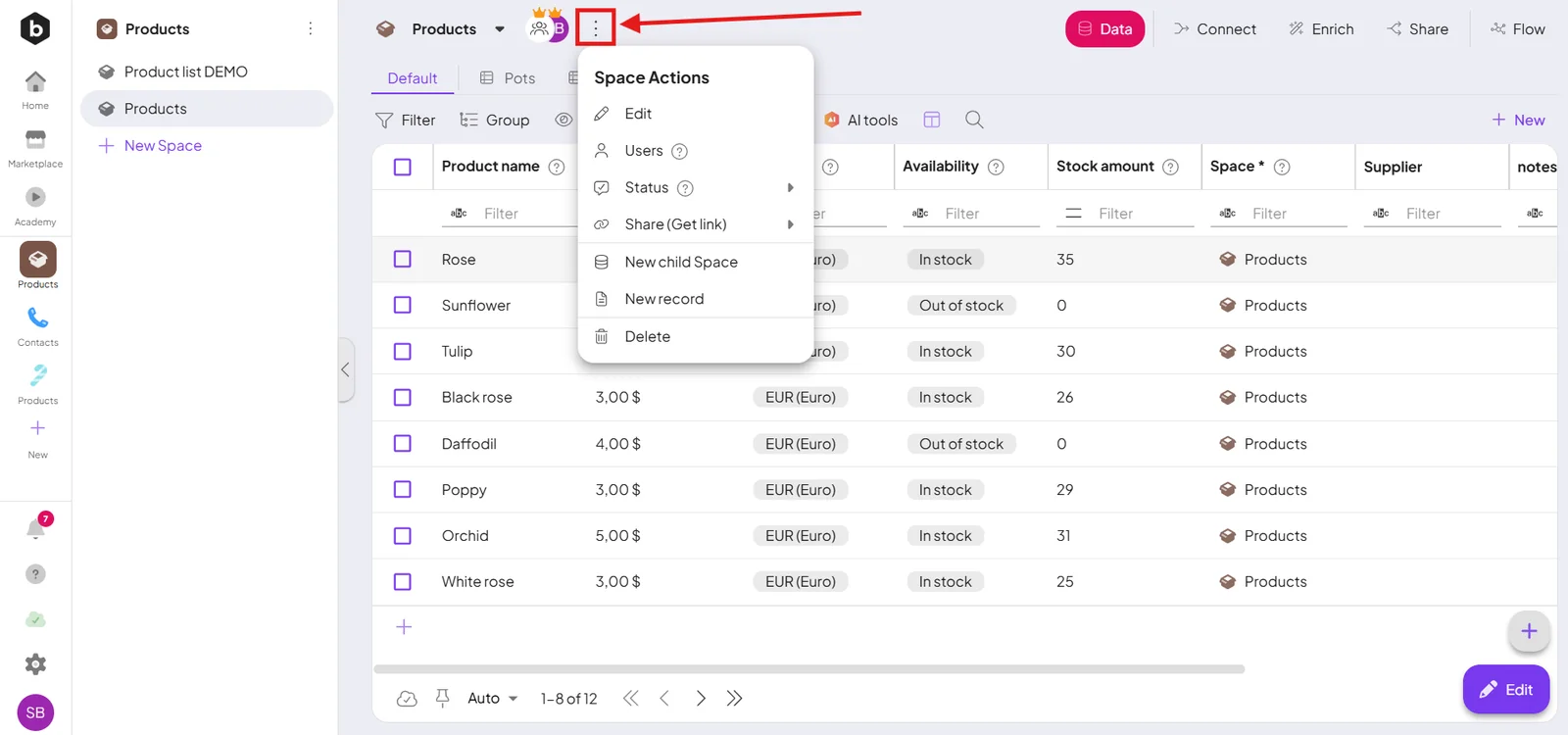
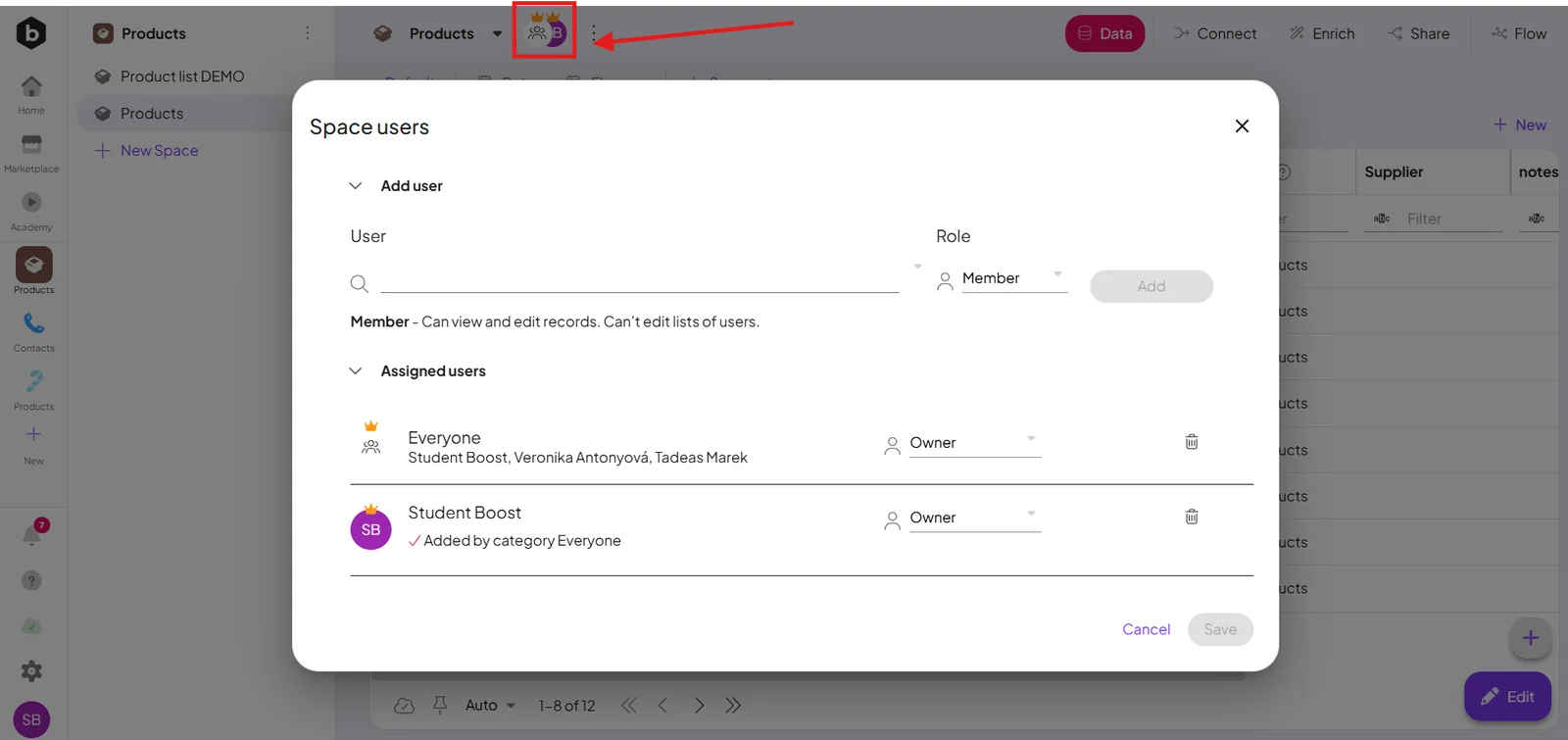
Space users — click the user avatars to add or remove people and set their roles.
Records
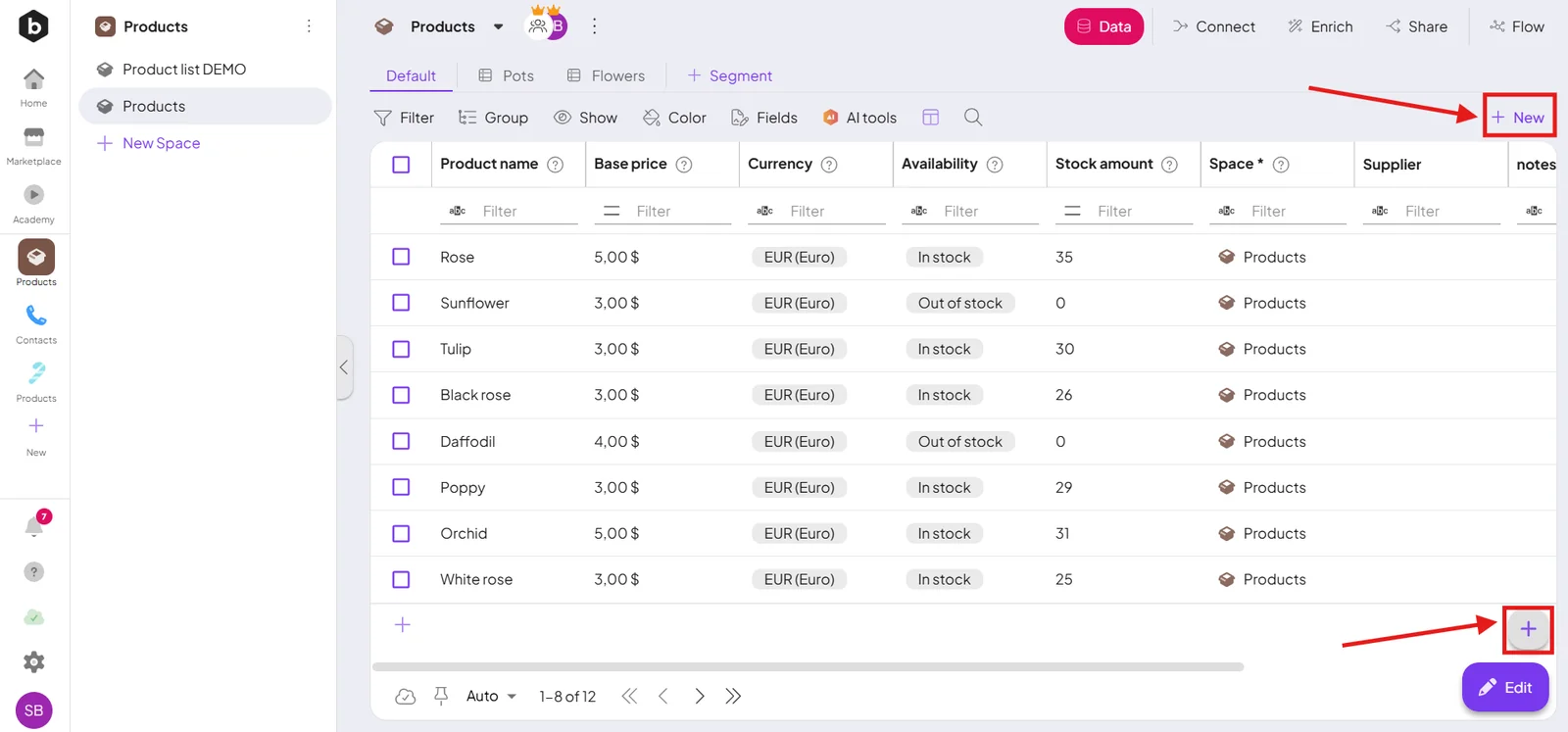
Create — the new-record button adds a record to the selected space.
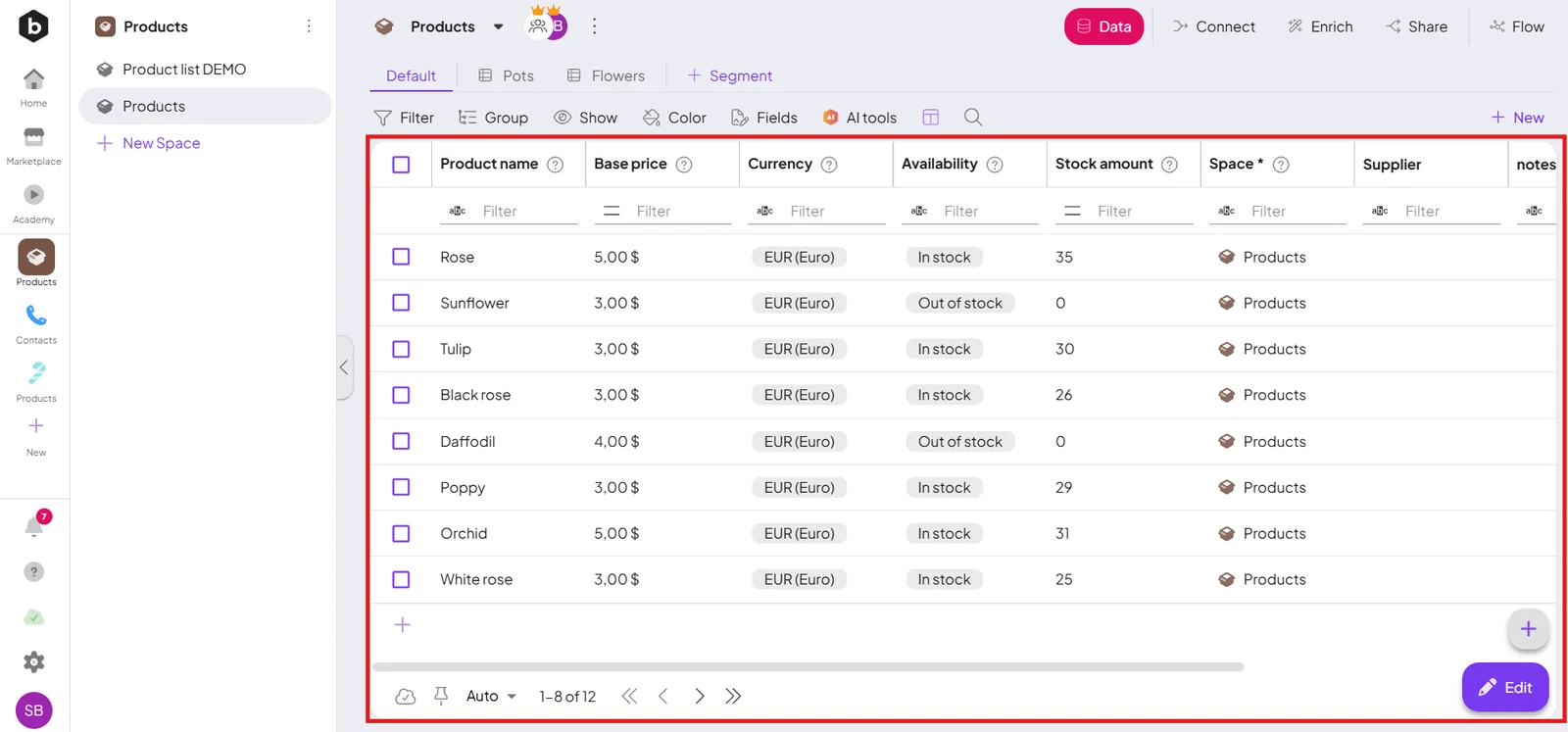
The list — shows records for the current selection; with no space or filter selected, you see every record you have access to.
Filter & sort — the toolbar searches, sorts, and opens the filter builder.
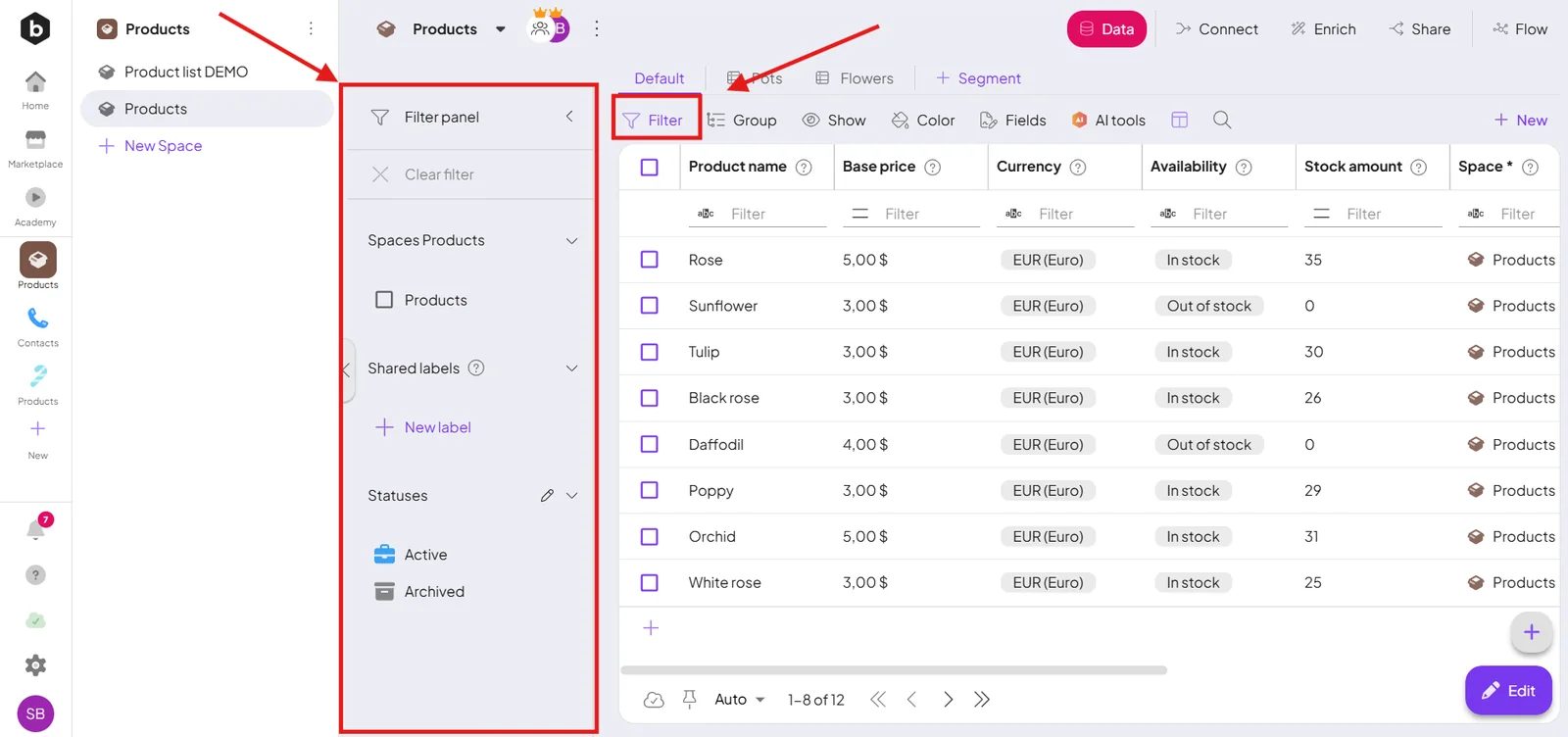
Edit — open a record with the pen icon, or Edit for bulk changes. See Manage records.
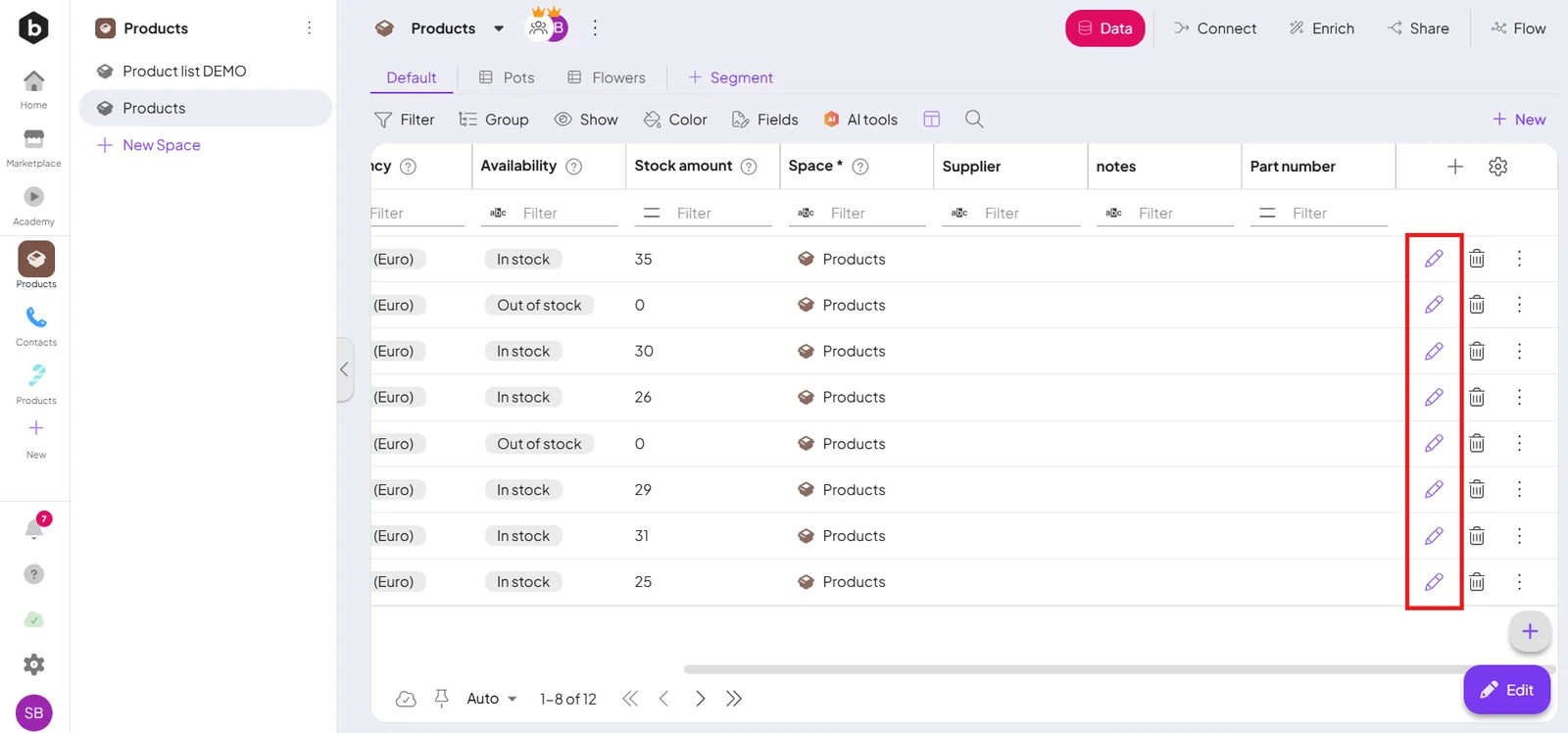
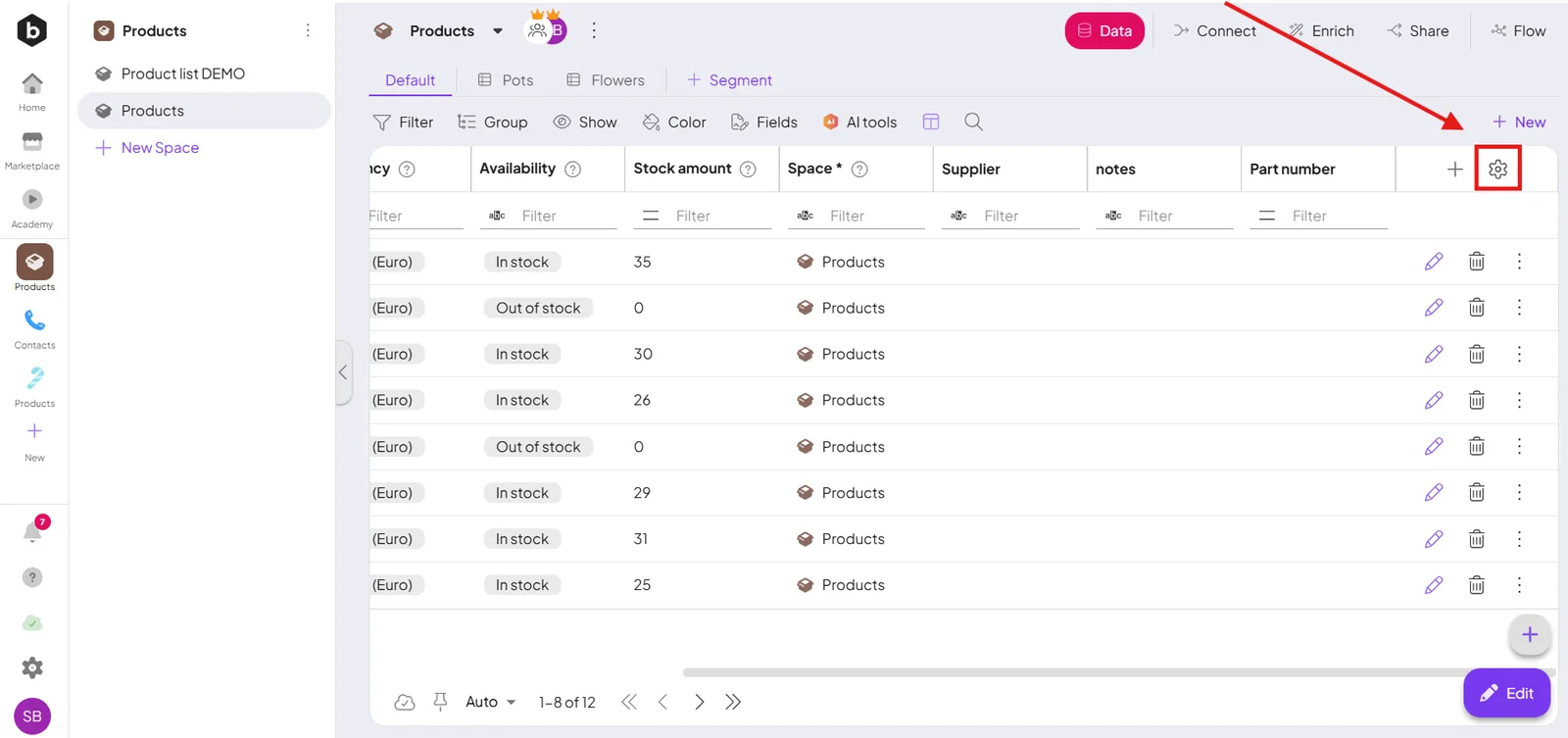
Table settings — the gear icon chooses which fields show as columns.
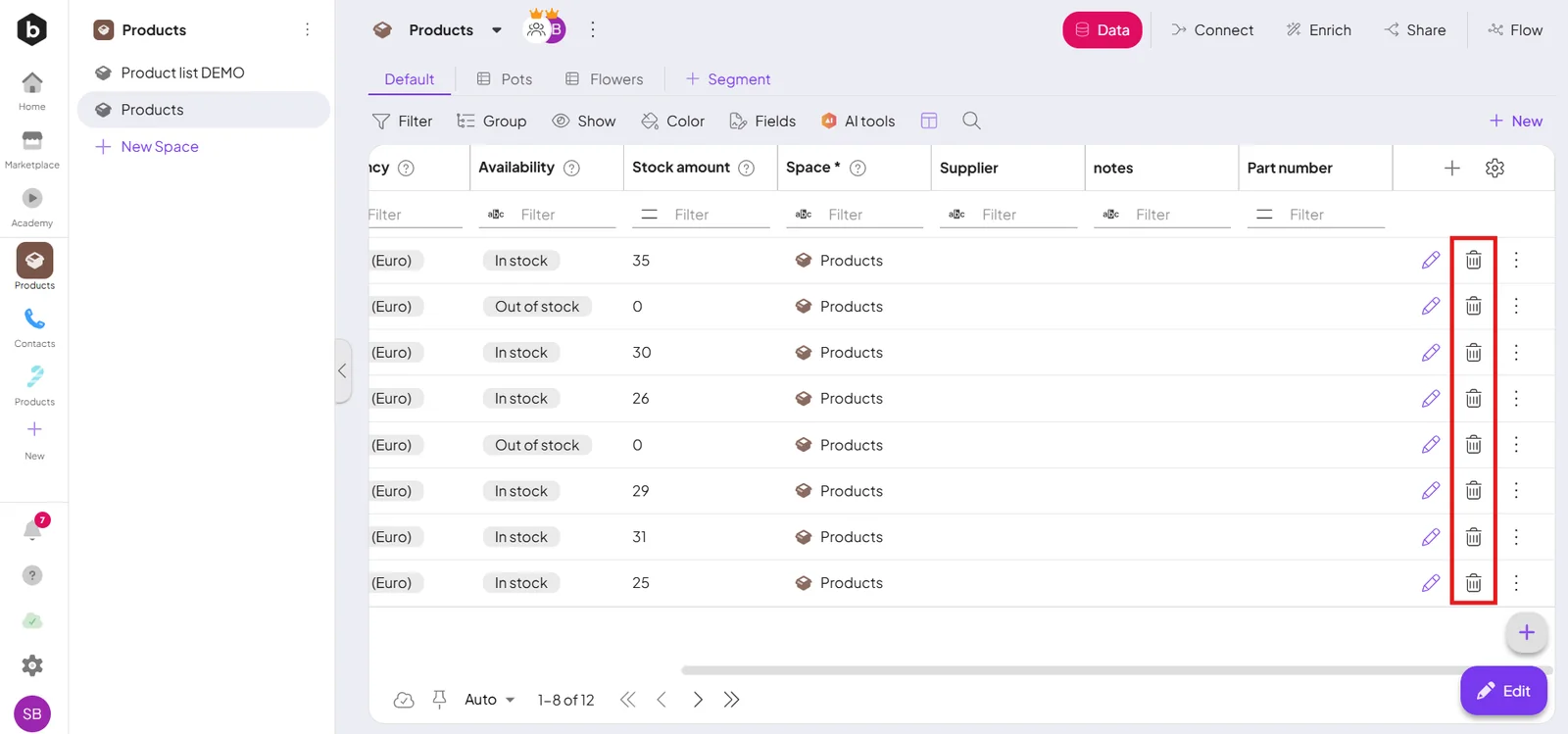
Delete — the trash icon removes a record (always with a confirmation).