Field groups
A field group is a named collection of fields within a module. Groups keep a module's structure organized — related fields sit together, and you connect a group to a space to make its fields available there.
Every field belongs to at least one group. Some modules ship with ready-made groups you can connect in a click; you can also build your own.
The Basic information group
Every module has a built-in Basic information group holding the basic fields — ID, Space, Status, Labels, Created time, Created by user, and Remote ID. This group is managed by the system and can't be edited or removed.
A field in more than one group
A field can belong to several groups at once. When editing a field, turn on Enable multiple field groups (in Advanced settings) and pick every group it should appear in — useful when the same attribute is relevant to more than one part of a module. See Create and manage fields.
Connect groups to a space
Connecting a field group to a space makes its fields available on that space's records. Open the space's field settings to add or remove groups; expand a group to preview the fields it contains before connecting it.
Control field visibility
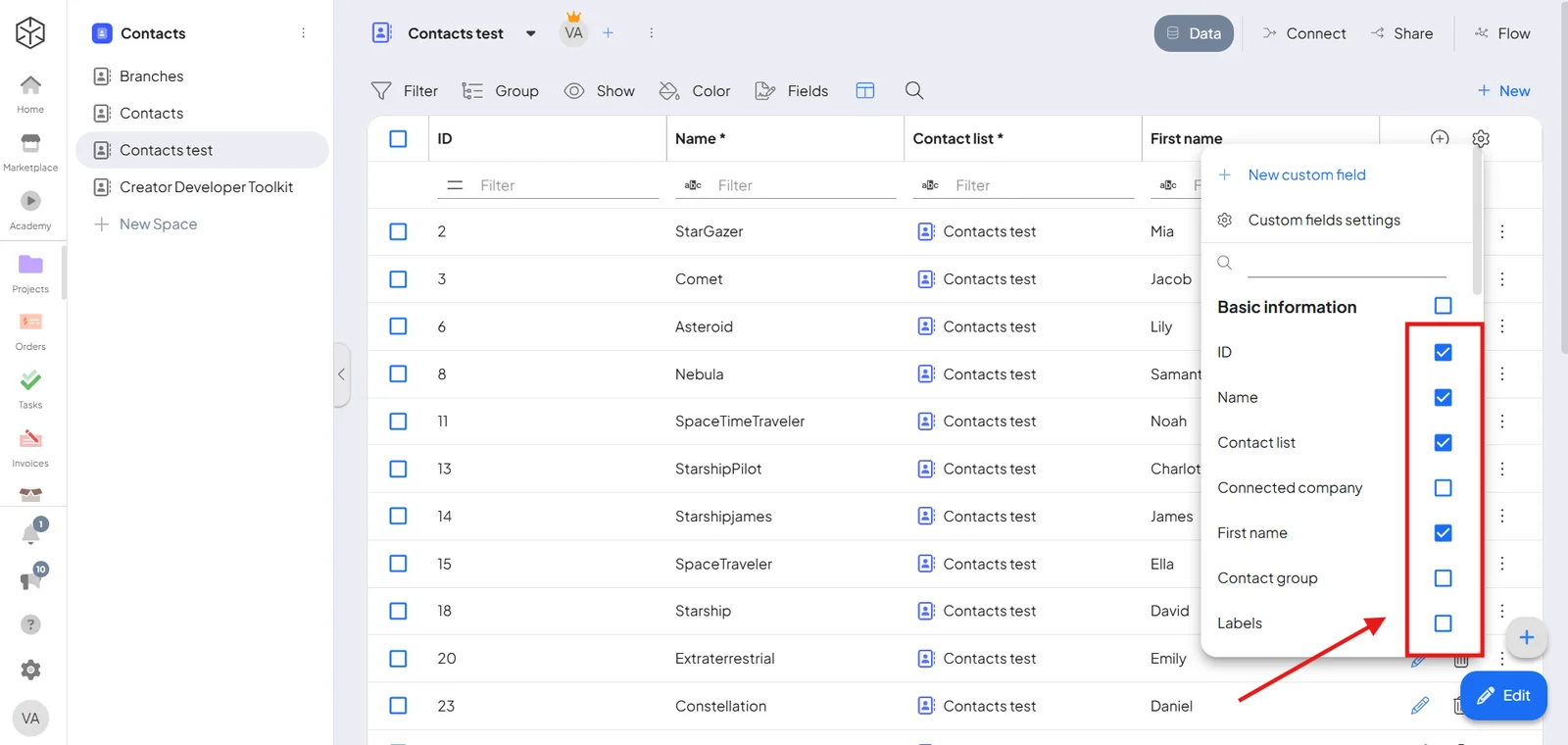
Connecting a group makes its fields available; you still choose which appear in the table. Click the settings icon at the top-right of the records table and toggle individual fields on or off.
Create a field group
- Open System settings → [your module] → Fields.
- Click New field group, give it a name, and choose the spaces it applies to.
- Save, then add fields to it.
