Module settings
Boost.space is modular: choose which modules you need, and add more as you grow. Modules work independently, so you can adopt the system one module at a time.
Install and remove modules
System administrators add and remove modules at any time in System settings → Modules. A newly added module is automatically connected to your other modules, so data flows between them without manual setup.
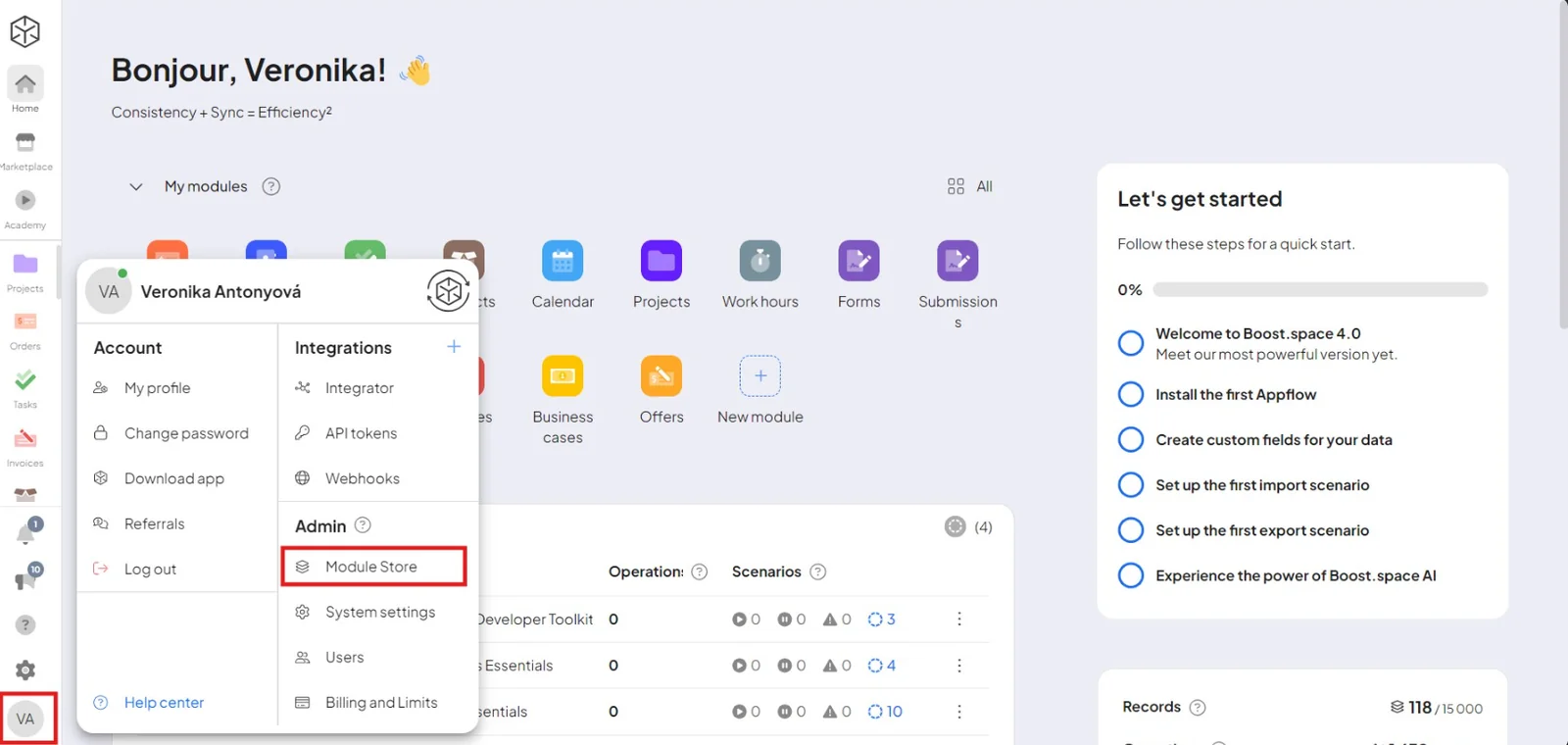
Per-module settings
Every module has its own settings, found in System settings. What's available depends on the module — for example:
- lists and categories (e.g. a catalog's categories and attributes)
- custom item and record types
- statuses and labels
- module-specific options
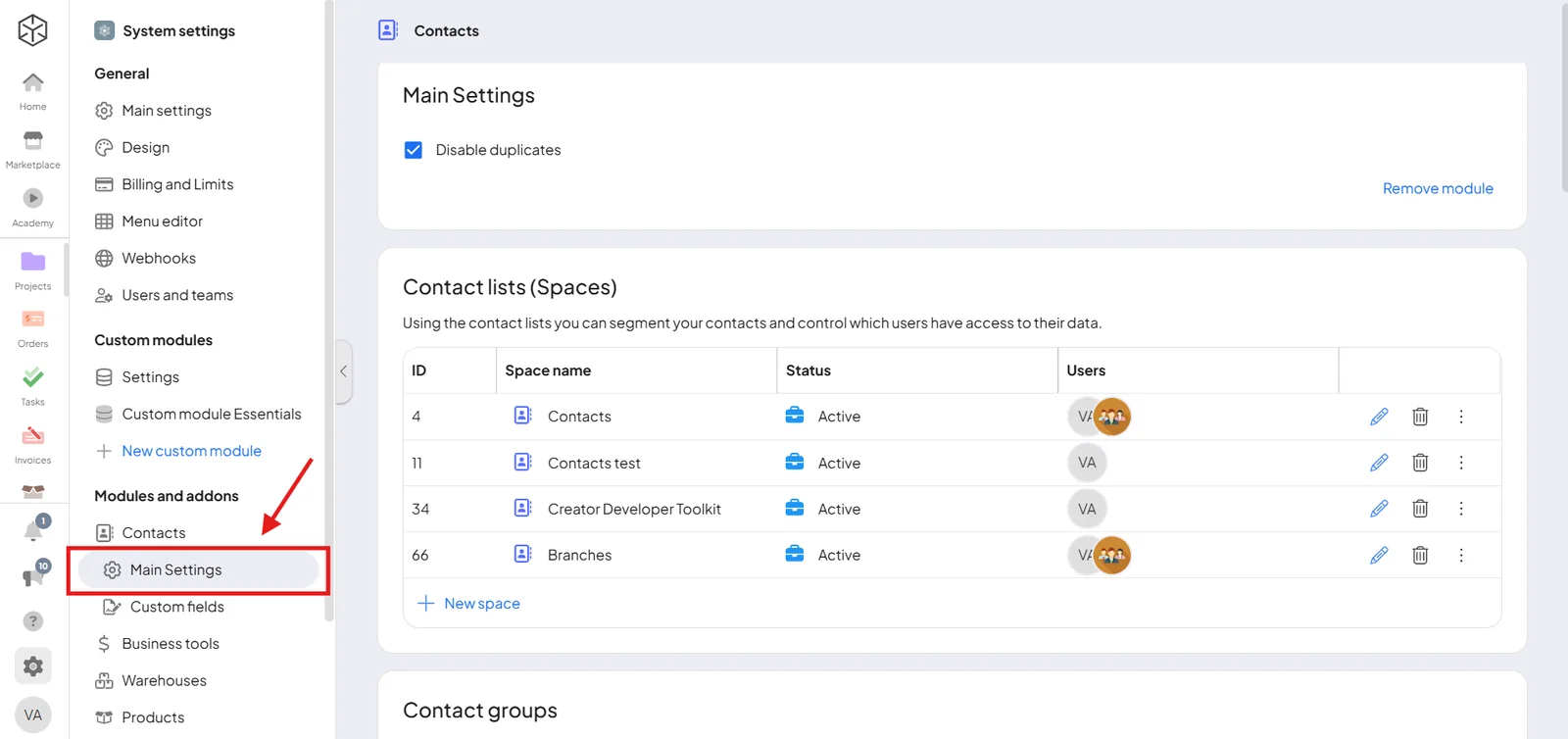
To build a module from scratch — including its spaces, key field, and fields — see Create a module.
